ARTEXT
- This function automatically aligns text to a specified reference point.

1. Aligning Text Demo Video
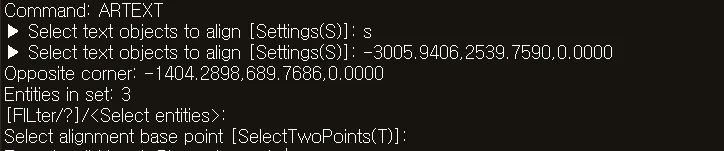
Section titled “1. Aligning Text Demo Video”1) Run the “ARTEXT” command.
2) Enter “S” and set the desired options in the ARTEXT dialog box.
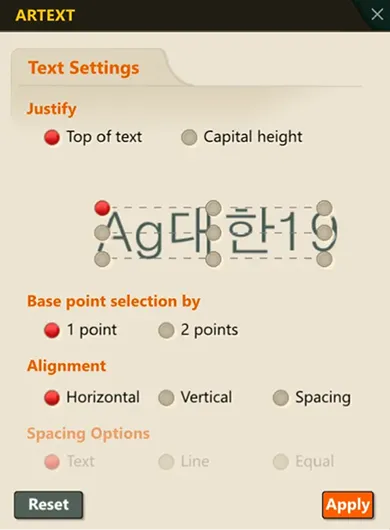
3) Select the multiple text objects to align.
4) Specify the reference point (the point that alignment will be based on).
5) All the text is automatically aligned according to the specified reference point.