
ATTACH
- Inserts an external file into the current drawing as a reference (Attach).
- Supported file types include drawing files (DWG), image files, DWF, PDF, DGN, and more.

1. Attaching an External File as a Block Demo Video
Section titled “1. Attaching an External File as a Block Demo Video”1) Run the “ATTACH” command in the Command Input Window.
2) The file selection dialog box appears.
- Select the DWG, DWF, PDF, image (JPG, PNG, BMP, etc.), or DGN file to insert.
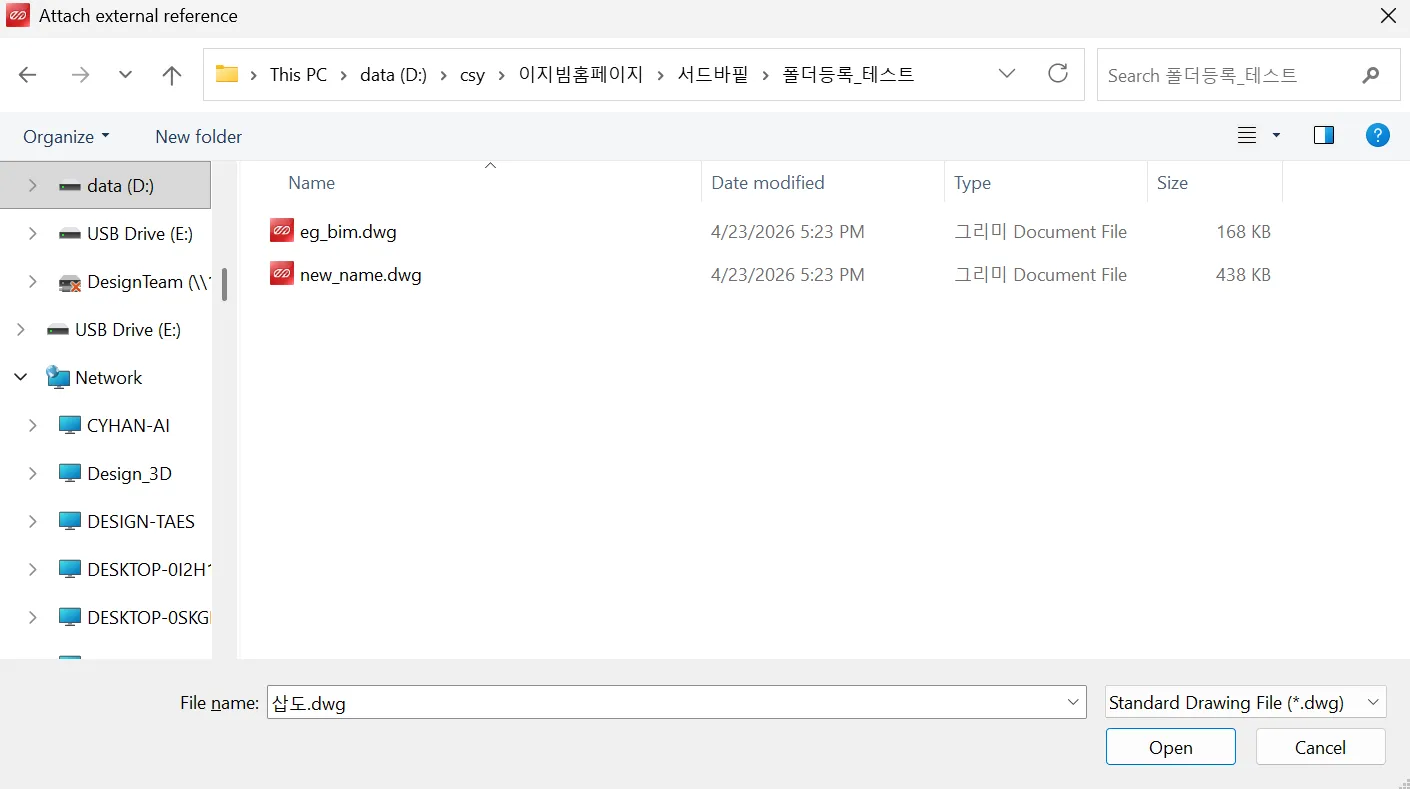
3) Click OK to insert the selected file into the drawing as an external reference.