SMARK
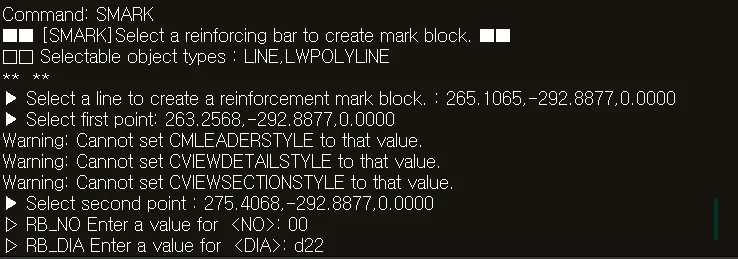
- Marks a single reinforcing bar. Enter the bar number (RB_NO) and diameter (RB_DIA) values directly to automatically generate the mark text on the drawing.

1. Marking a Single Reinforcing Bar Demo Video
Section titled “1. Marking a Single Reinforcing Bar Demo Video”1) Type “SMARK” in the Command Input Window.
2) Click the location to insert the mark.
3) Enter the mark format in the Command Input Window.
- RB_NO value: e.g., R1
- RB_DIA value: e.g., D13
4) The entered information is automatically inserted into the drawing as text.