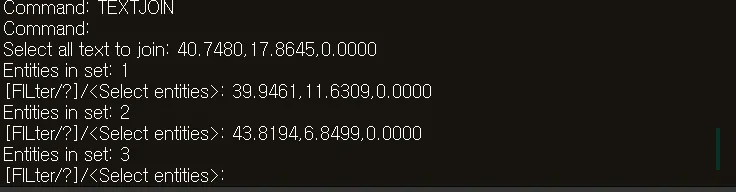
TEXTJOIN
- Selects multiple text objects (DTEXT, MTEXT) and merges them into a single string.

1. Merging Text Content Demo Video
Section titled “1. Merging Text Content Demo Video”1) Run the “TEXTJOIN” command.
2) Enter “S” and set the desired options in the TEXTORDER dialog box.
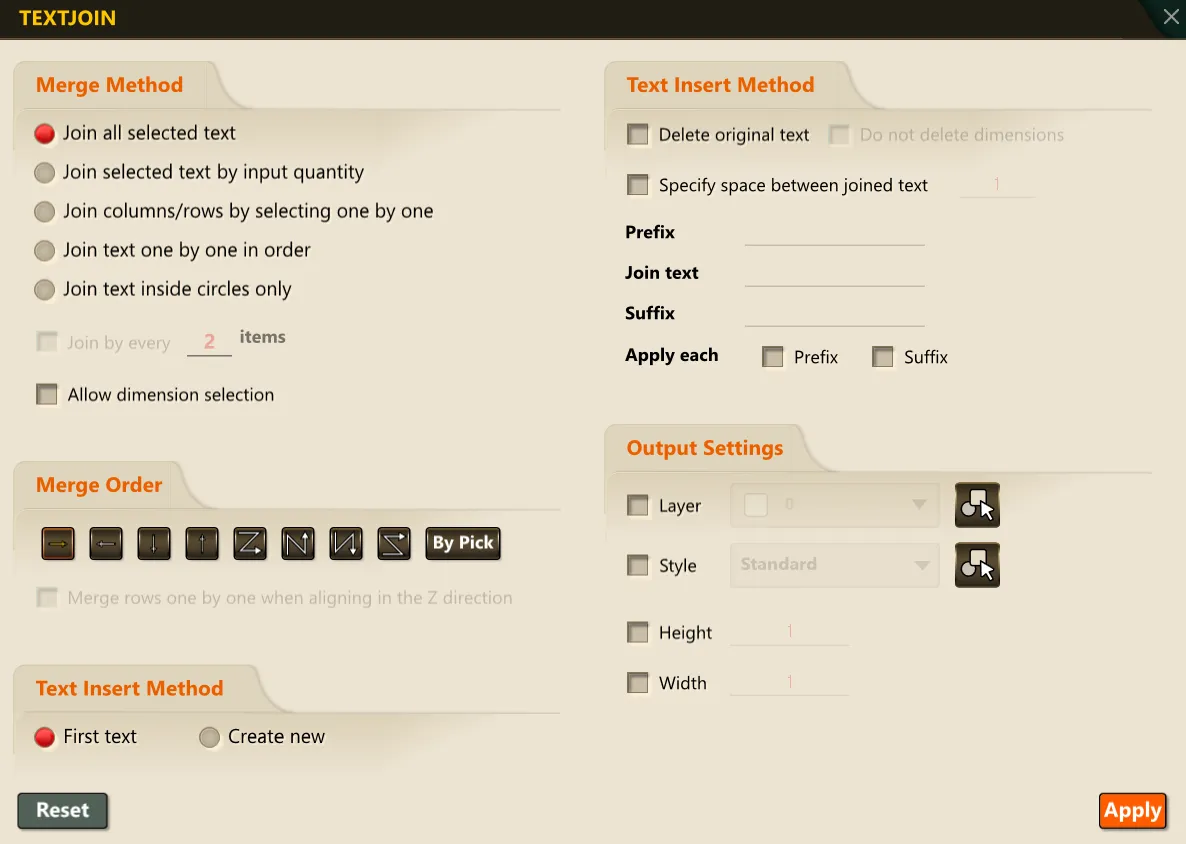
3) Select the multiple text objects to merge.
4) Press ENTER or the SPACE BAR.
5) The selected text objects are combined into one.