
OFFSET
- Offsets the selected object by a specified distance in the direction of its face.
- You can keep the original object, or delete the original and leave only the offset object.
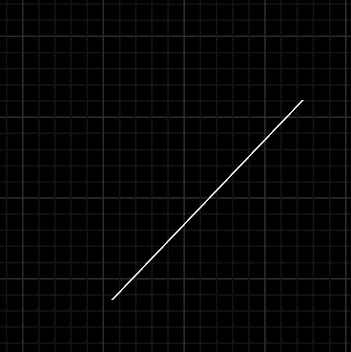
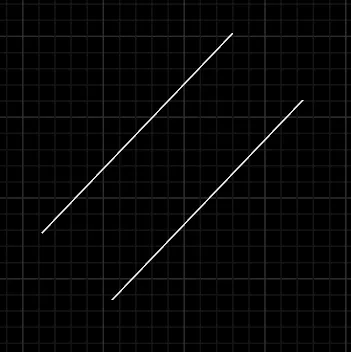
- Open Object - - Offset -
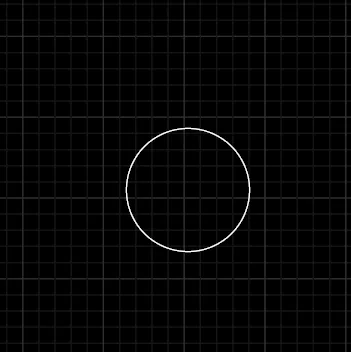
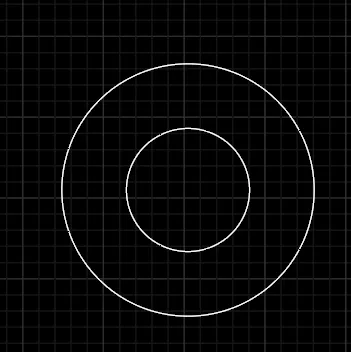
- Closed Object - - Offset -
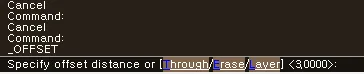
- Offset option keywords
- Through: Instead of specifying an offset distance, specify a point on screen with the mouse to create an object that passes through that point, or through the point when the line is extended.
- Erase: Sets whether to delete the original object.
- Layer: Sets whether the object created by the Offset command follows the original object’s layer or is placed on the current layer.

- Offset direction option keyword
- Use the mouse on screen to specify the direction in which the offset object will be created.
- Both sides: Creates offset objects on both sides of the original object.
1. How to Offset an Object Demo Video
Section titled “1. How to Offset an Object Demo Video”1) Run the “OFFSET” command.
2) Specify the offset distance.
3) Select the object to offset.
4) Once you specify the direction for the offset, an object is created at the specified offset distance from the original object.