
PAGESETUP
- Creates or deletes a drawing (Layout), and renames or activates an existing layout.

1. Managing Layouts Demo Video
Section titled “1. Managing Layouts Demo Video”1) Type “PAGESETUP” in the Command Input Window.
2) The PageSetup Manager window appears.
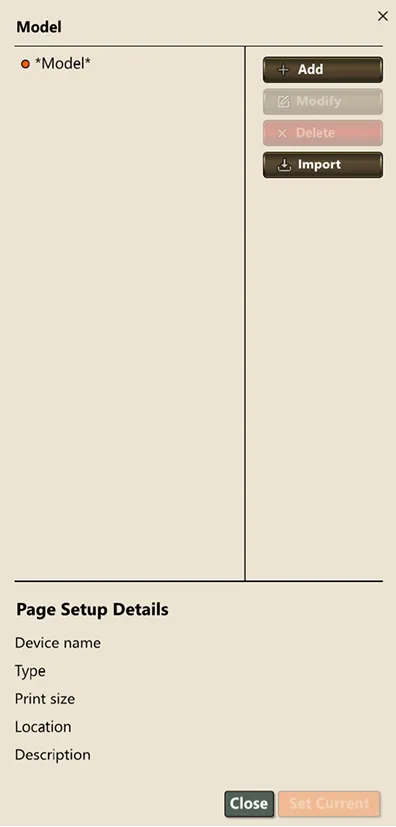
3) Select the Add or Modify button.
4) Configure the print settings (printer, paper size, plot area, scale, style table, etc.).
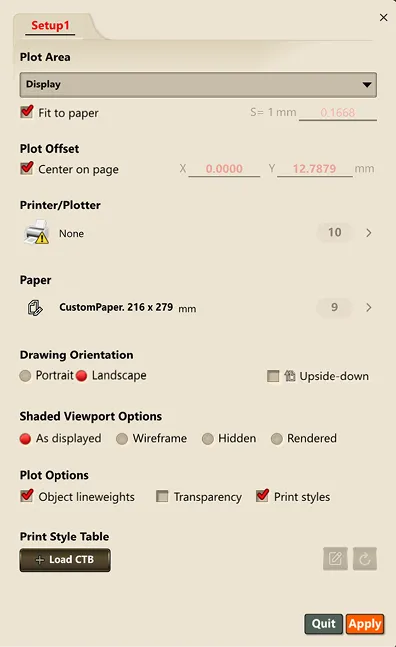
5) Click OK to save the settings.
6) Afterward, you can load and apply this setting from the Layout tab or the Plot window.