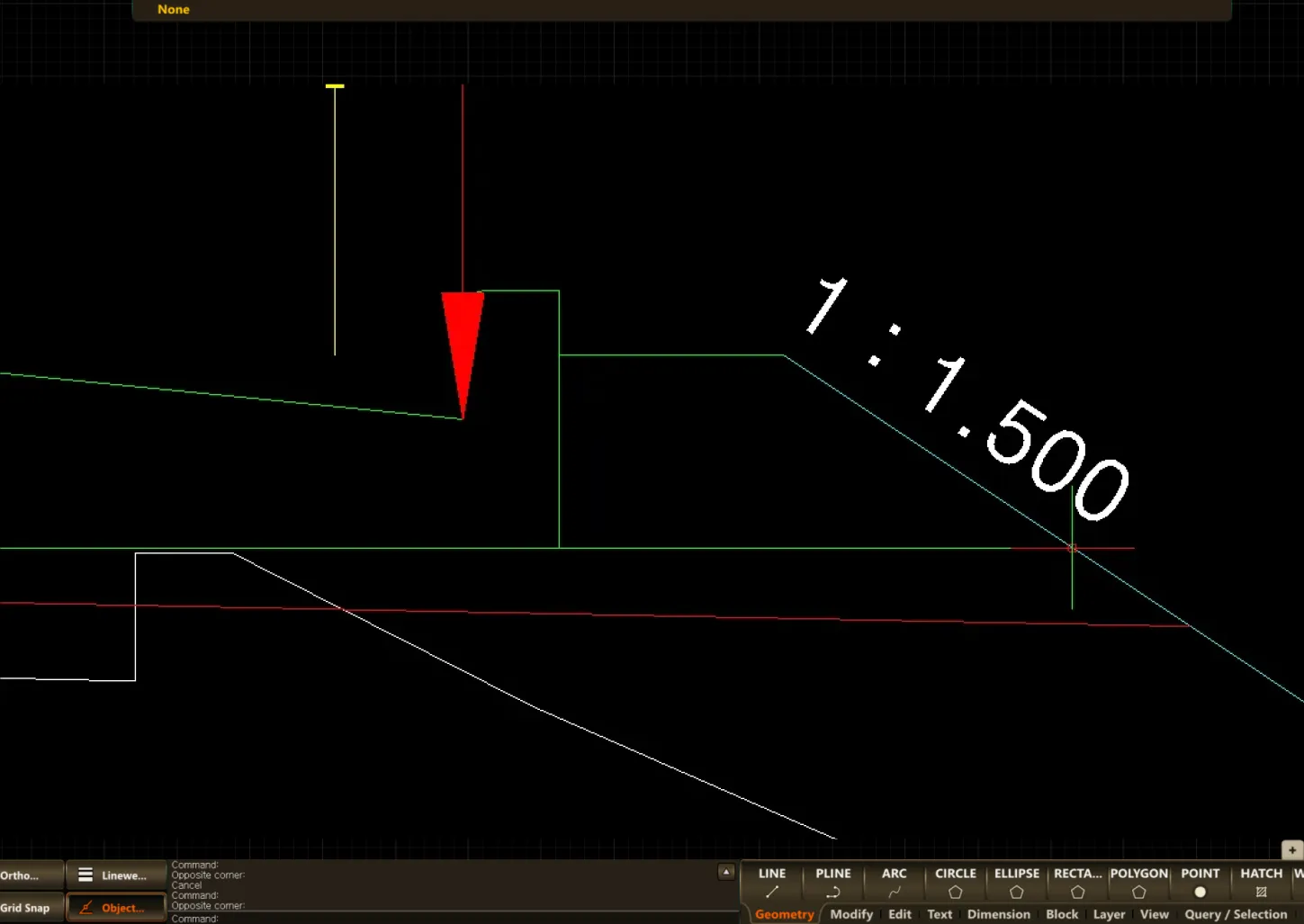
MARKSLOPETEXT
- Measures and marks the slope of an object or between two points.
1. Displaying the Slope of an Object Demo Video
Section titled “1. Displaying the Slope of an Object Demo Video”1) Type “MARKSLOPETEXT” in the Command Input Window.

2) In the popup window, set the application method, slope display format, slope text size, etc., and click ‘OK’.
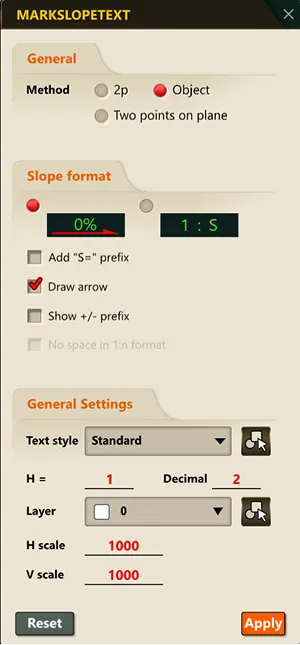
3) Click the object whose slope you want to measure in the drawing, and press the Enter key.


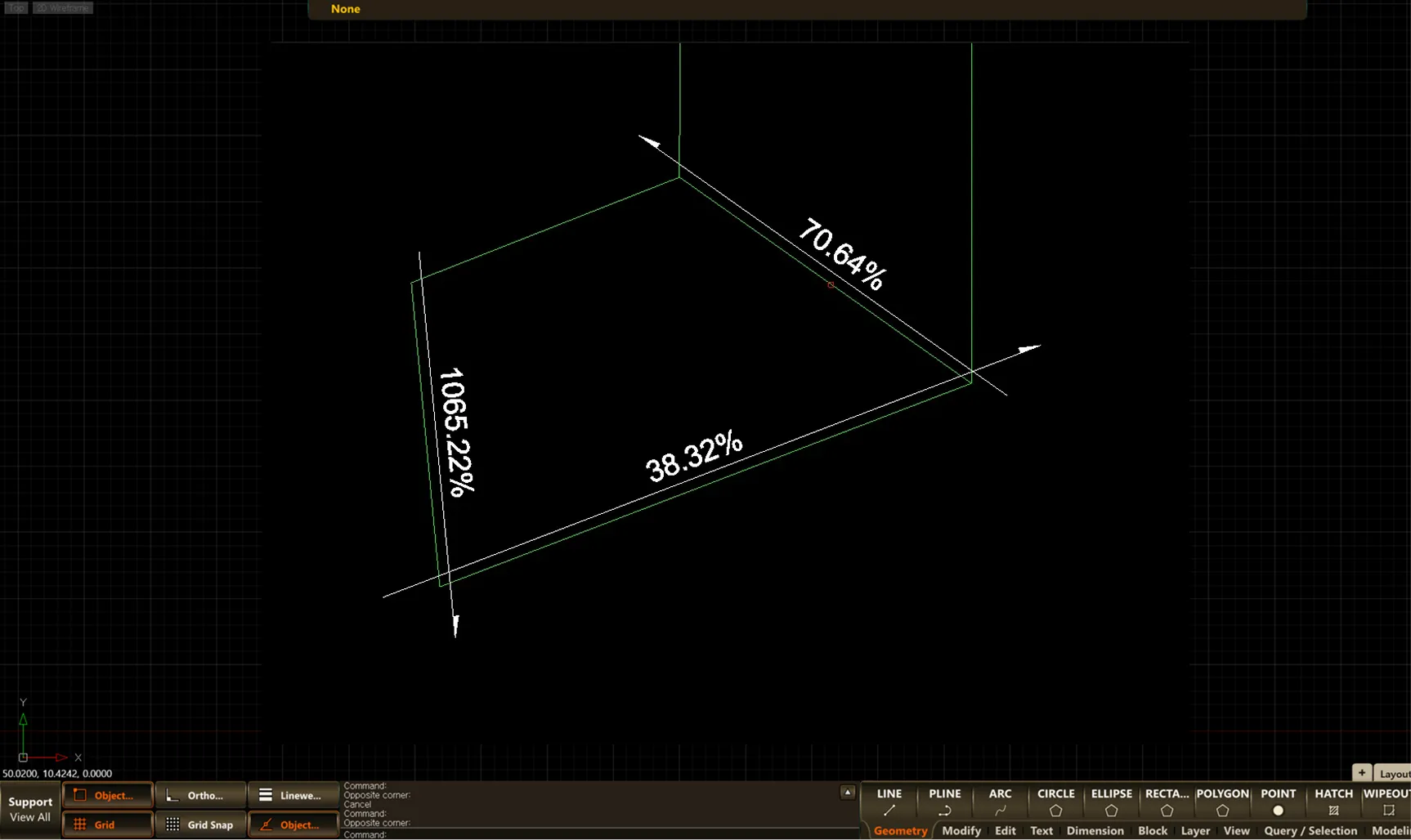
2. Displaying the Slope Between Two Points Demo Video
Section titled “2. Displaying the Slope Between Two Points Demo Video”1) Type “MARKSLOPETEXT” in the Command Input Window.

2) In the popup window, set the application method, slope display format, slope text size, etc., and click ‘OK’.
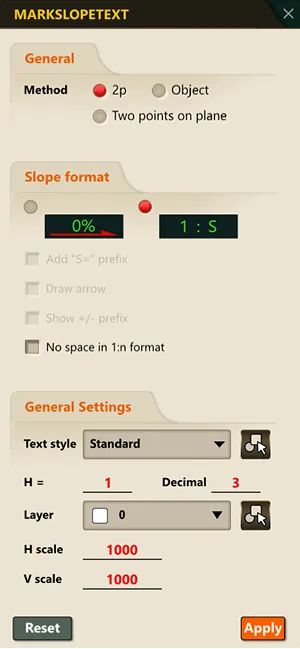
3) Select the two points whose slope you want to measure in the drawing.