RESCALE
- Rescales an object inserted in the drawing to a specified ratio or unit.

1. Rescaling Demo Video
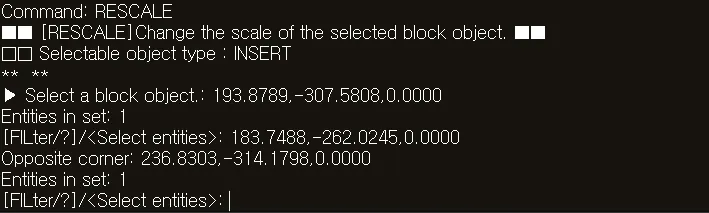
Section titled “1. Rescaling Demo Video”1) Type “RESCALE” in the Command Input Window.
2) Select the object whose size is to be changed (block, external reference, dimension, etc.).
3) Enter the desired scale option.
- Scale Factor: Enlarges/reduces the object according to the scale value
- Units: Converts units, for example, from Inches to Millimeters
4) Press ENTER to resize the selected object to the new size according to the specified value.