
BLOCK
- Defines multiple objects drawn in the drawing as a single block so they can be reused later.

1. Creating a Block Demo Video
Section titled “1. Creating a Block Demo Video”1) Run the “BLOCK” command in the Command Input Window.
2) Click the ADD button in the BLOCK dialog box.
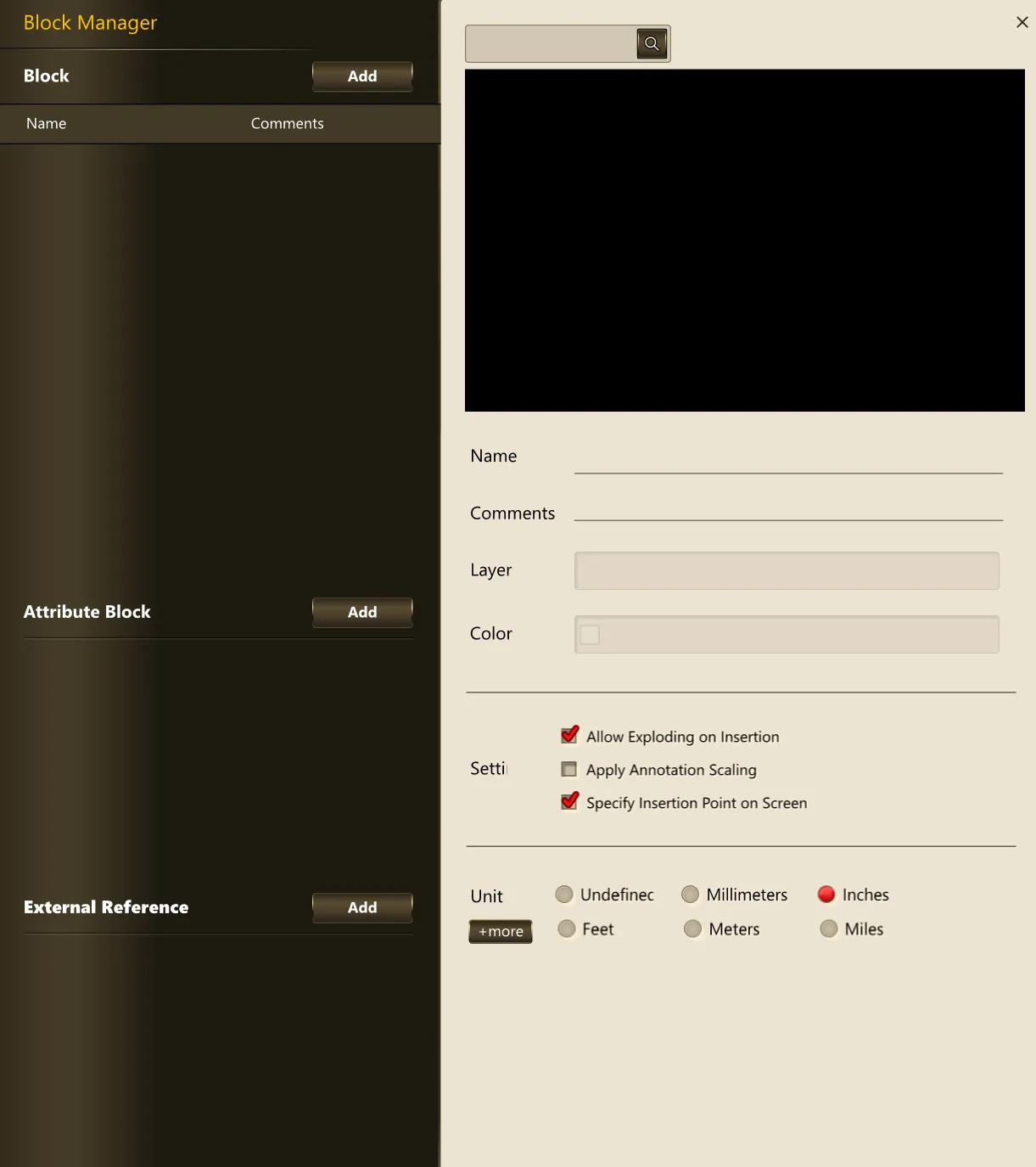
3) Select the desired block and specify the insertion location to place the block in the drawing.