
FINDANDREPLACETEXT
- A function that lets you search for and batch-replace the text of multiple objects in the drawing.

1. Finding and Replacing Text Finding Text Demo Video Replacing Text Demo Video
Section titled “1. Finding and Replacing Text Finding Text Demo Video Replacing Text Demo Video”1) Run the “FINDANDREPLACETEXT” command in the Command Input Window.
2) Configure the desired options in the FINDANDREPLACETEXT dialog box.
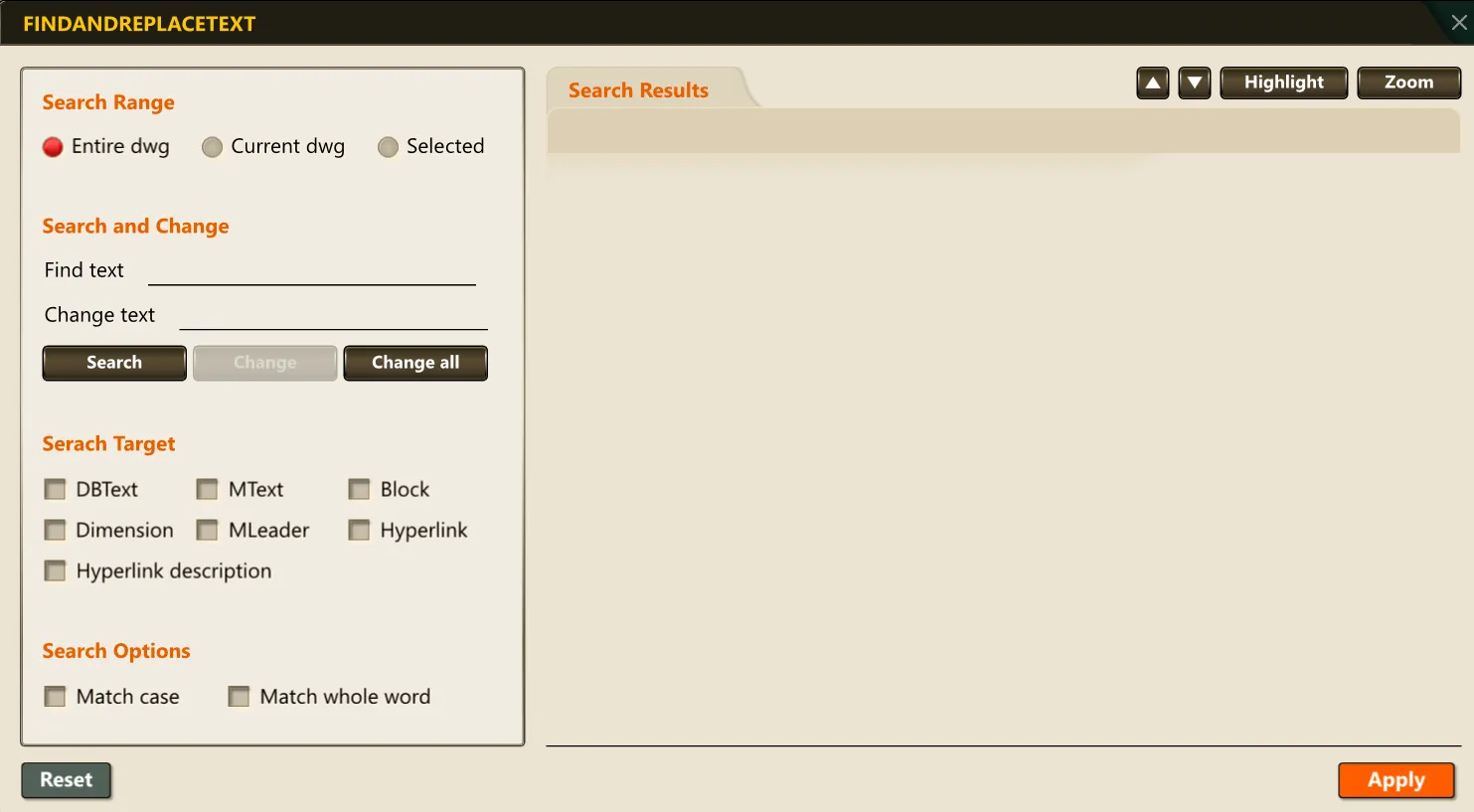
3) Use the Find, Replace, and Replace All buttons to search for or replace the text string.
4) Click the Apply button to change the matching text strings and reflect them in the drawing.