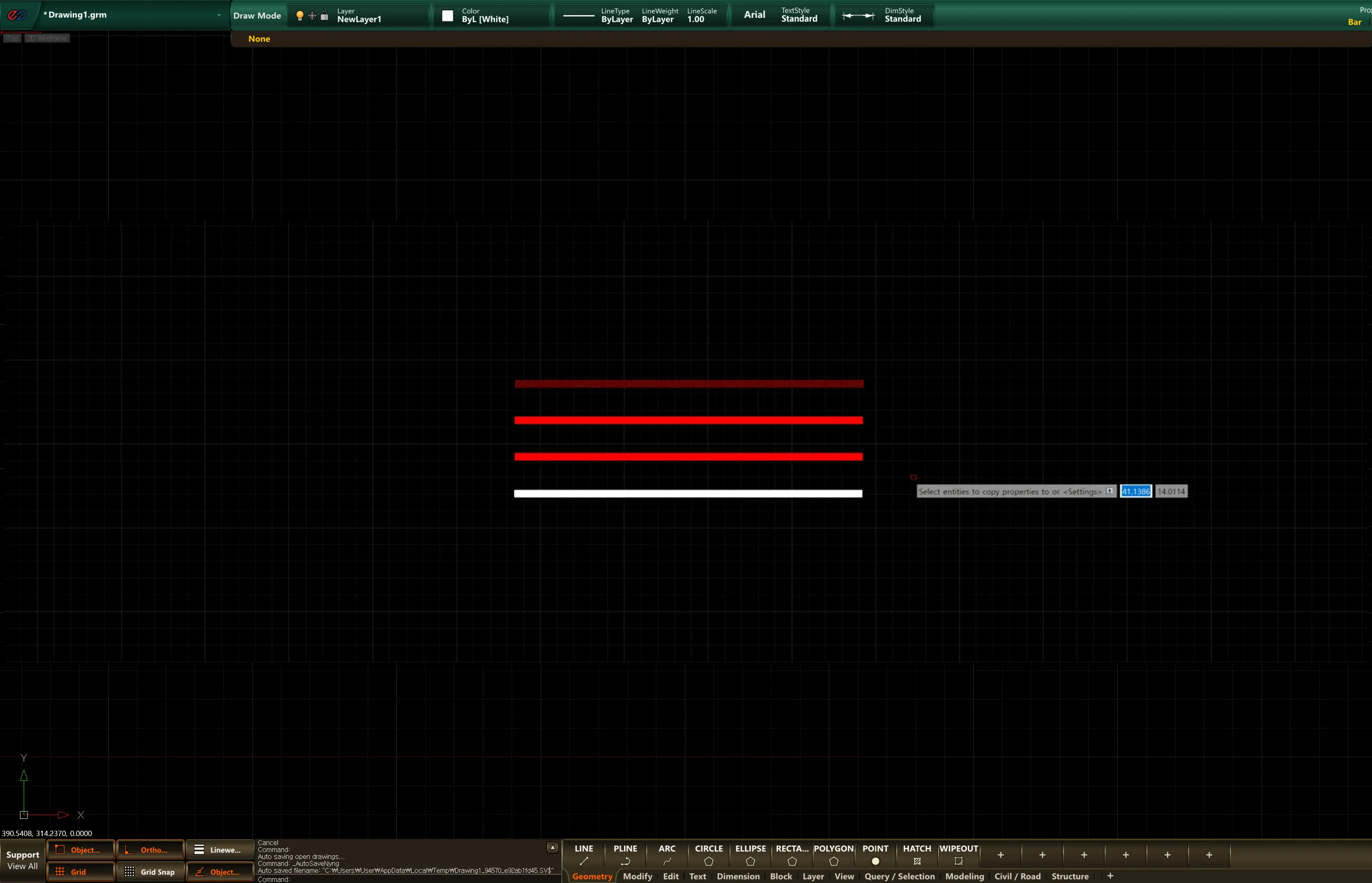
MATCHPROP
- Copies the properties of an object to other objects.
- SETTING Property selection keywords used when selecting the source object
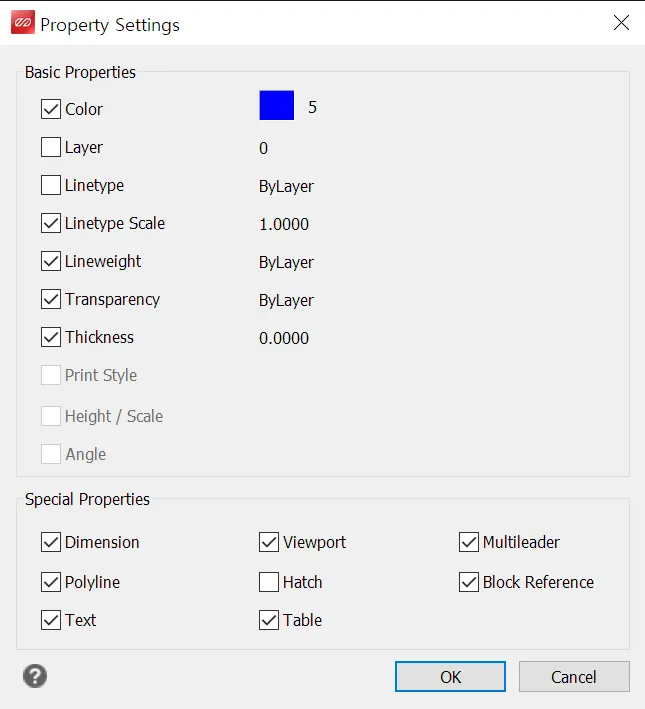
- Color: Copies the color of the source object.
- Layer: Applies the layer that the source object belongs to onto the target object.
- Linetype: Copies the line type of the source object.
- Linetype Scale: Copies the interval at which the source object’s line type repeats.
- Lineweight : Copies the lineweight of the source object.
- Transparency : Copies the transparency of the source object.
- Thickness : Copies the thickness of the source object.
- Print Style : Copies the print style of the source object.
- Height / Scale : Copies the size properties of the source object.
- Angle : Copies the angle of the source object.
- Dimension : Copies the dimension of the source object.
- Viewport : Copies the properties of the viewport.
- Multileader : Copies the multileader properties.
- Polyline : Copies the polyline properties.
- Hatch : Copies the hatch properties.
- Block Reference : Copies the block object’s properties.
- Text : Copies the text properties.
- Table : Copies the table object’s properties.
1. Copying an Object Demo Video
Section titled “1. Copying an Object Demo Video”1) Run the “MATCHPROP” command and select the source object.
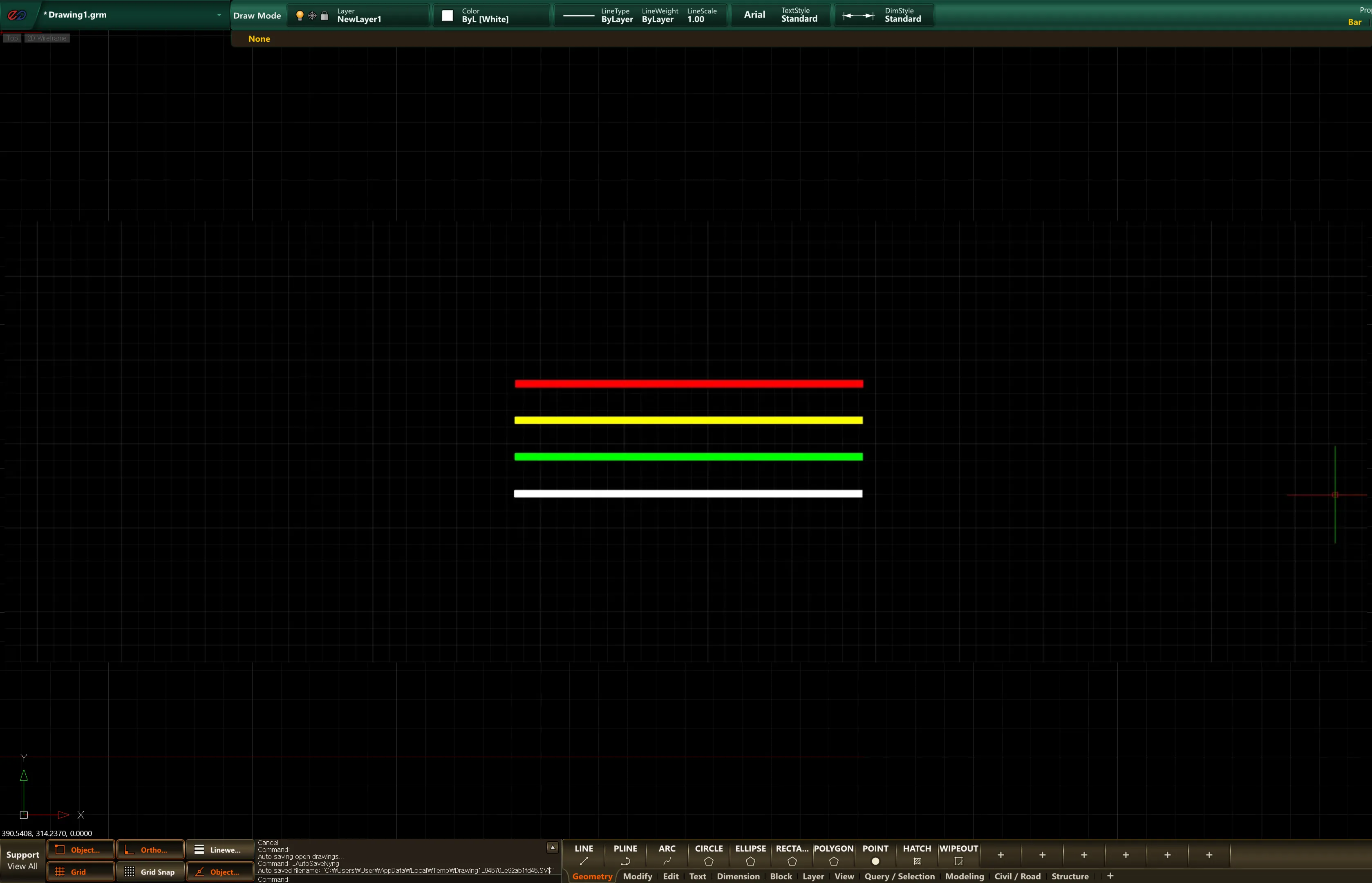 2) Select the target object to copy properties to; the source object’s properties are then applied to the target object.