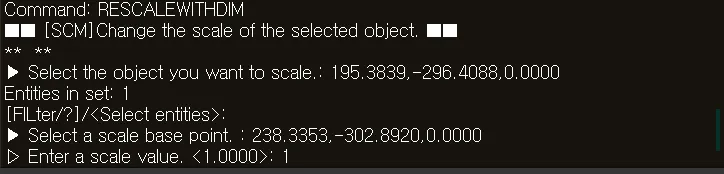
RESCALEWITHDIM
- Automatically scales an object in the drawing to match a dimension ratio.

1. Adjusting the Dimension Ratio Demo Video
Section titled “1. Adjusting the Dimension Ratio Demo Video”1) Type “RESCALEWITHDIM” in the Command Input Window.
2) Select the object to be scaled.
3) Click the reference dimension line to select the basis for specifying the actual dimension.
4) Enter the actual length in the Command Input Window. (e.g., 5000)
5) The scale is automatically calculated and applied by comparing it with the actual dimension value in the drawing.
6) The calculated scale ratio is displayed in the Command Input Window, and the selected object is automatically enlarged or reduced.