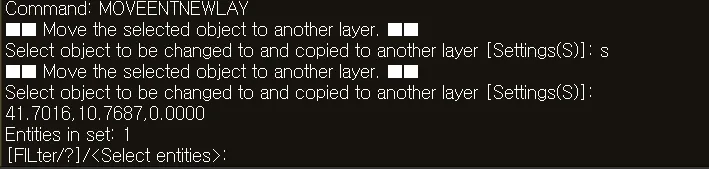
MOVEENTNEWLAY
- Moves a selected object in the drawing to a new layer, creating that layer at the same time.

1. Moving to a New Layer Demo Video
Section titled “1. Moving to a New Layer Demo Video”1) Type the “MOVEENTNEWLAY” command in the Command Input Window.
2) Select the object to move to the new layer.
3) Type the new layer’s name in the Command Input Window.
- If a layer with the entered name does not exist, it is created automatically.
- If you enter the name of an existing layer, the object is moved to that layer.
4) Press ENTER to finish.