
WRITELENGTH
- Automatically calculates the length of a shape and marks the value as text in the drawing.

1. Displaying Length Demo Video
Section titled “1. Displaying Length Demo Video”1) Type “WRITELENGTH” in the Command Input Window.
2) The WRITELENGTH dialog box appears.
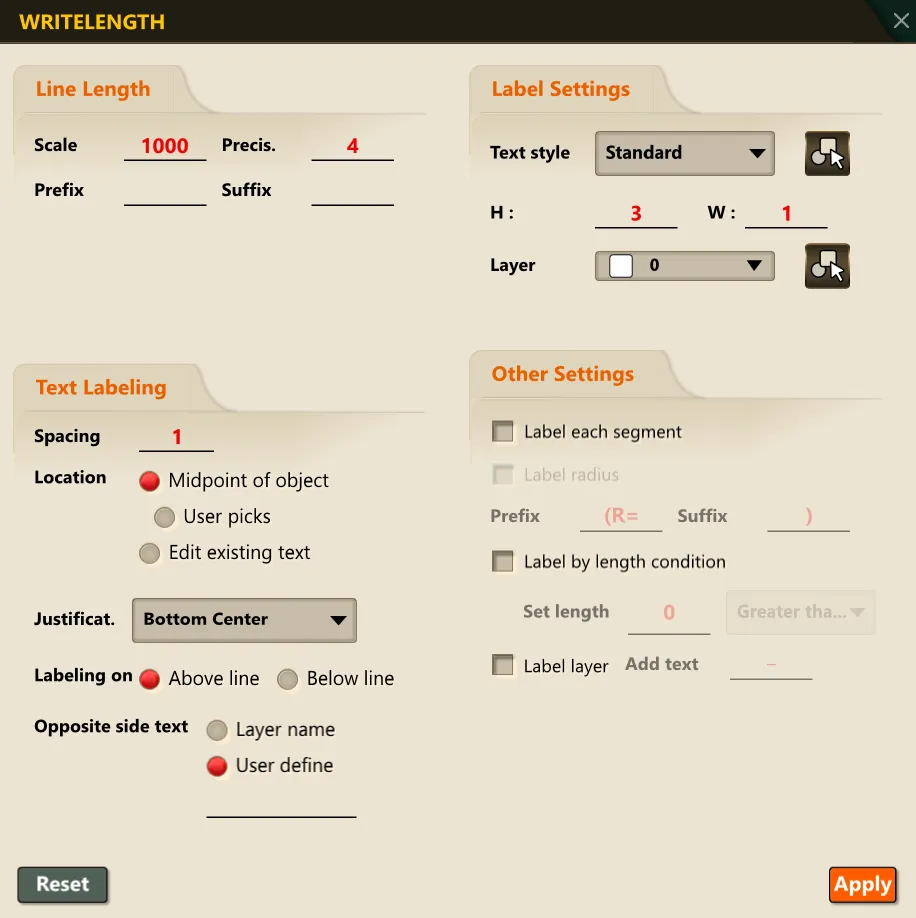
3) Select the required options in the dialog box.
4) Following the Command Input Window prompts, select the object whose length you want to measure.
5) The calculated length of the object is displayed in the Command Input Window and simultaneously shown as text in the drawing.