
CLOTHOID
- Automatically generates a clothoid (transition curve), used in curve design, in the drawing.

1. Creating a Clothoid Demo Video
Section titled “1. Creating a Clothoid Demo Video”1) Type “CLOTHOID” in the Command Input Window.
2) Set the required items in the dialog box.
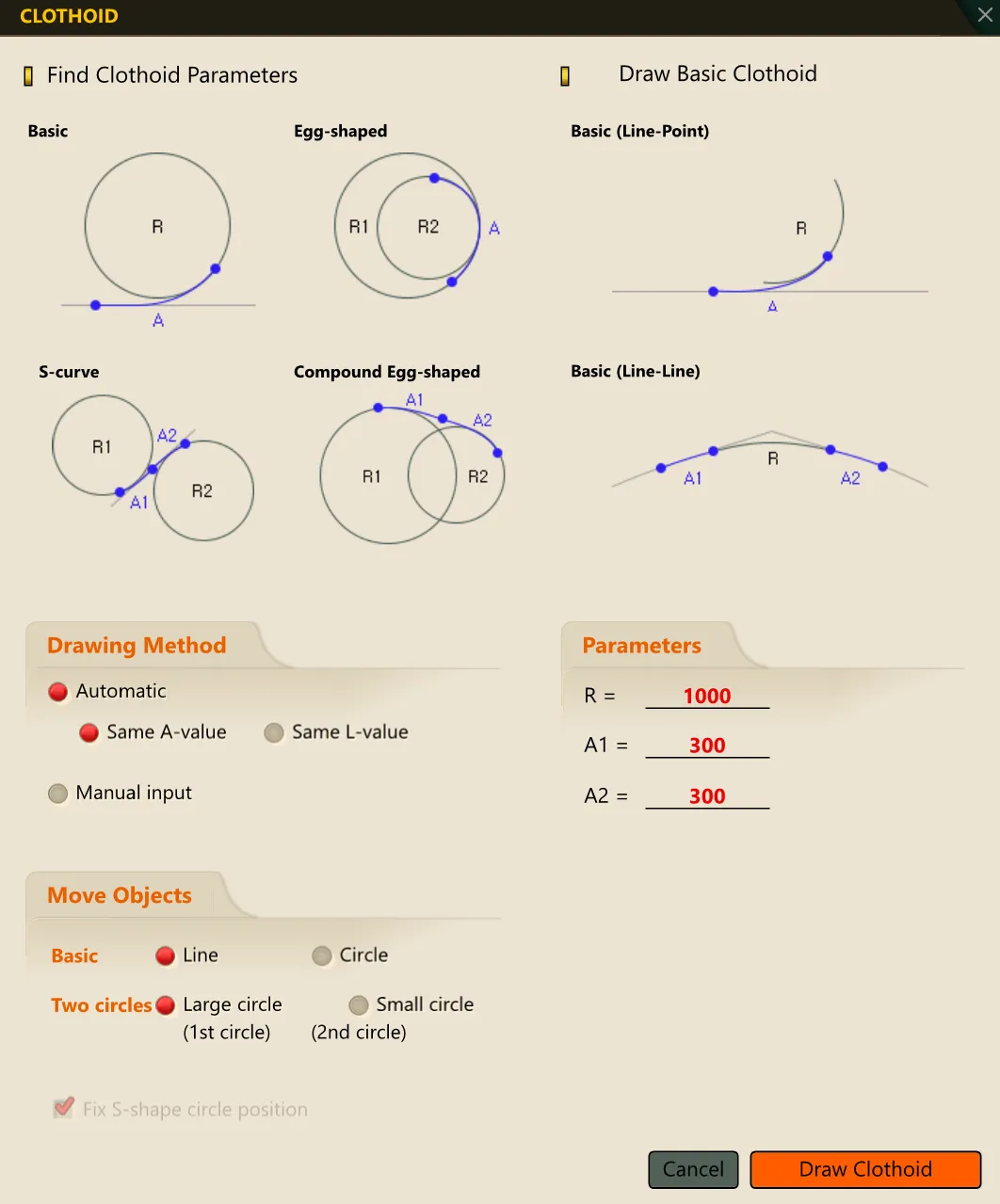
3) Following the Command Input Window prompts, select the objects.
4) The clothoid (transition curve) is automatically generated according to the specified values.
