
CREATETEXTSHADOW
- Applies an outline or shadow effect to the selected text object to visually emphasize it.

1. Creating a Text Outline Demo Video
Section titled “1. Creating a Text Outline Demo Video”1) Run the “CREATETEXTSHADOW” command.
2) Type “S” and set the desired options in the CREATETEXTSHADOW dialog box.
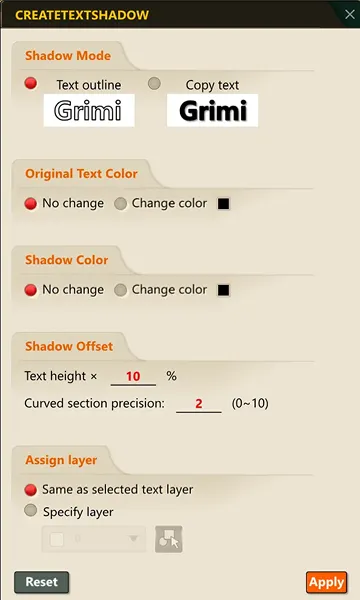
3) Click OK, then select the text object to apply the shadow effect to.
4) Press ENTER or the Space bar.
5) The shadow effect is applied to the selected text.
