
MAX
- A function that searches for the maximum value, minimum value, or values within a range in the drawing.
1. Finding the Maximum/Minimum Value Demo Video
Section titled “1. Finding the Maximum/Minimum Value Demo Video”1) Run the “MAX” command in the Command Input Window.
2) Configure the desired options in the MAX dialog box.
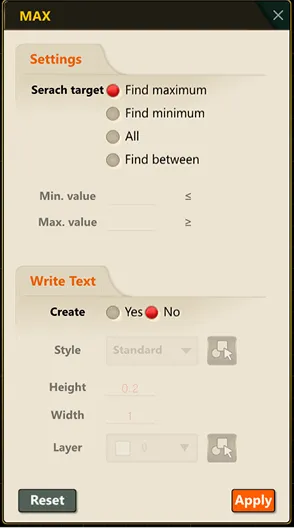
3) Click the OK button to search for values matching the condition; they are then marked in the drawing according to your selection.