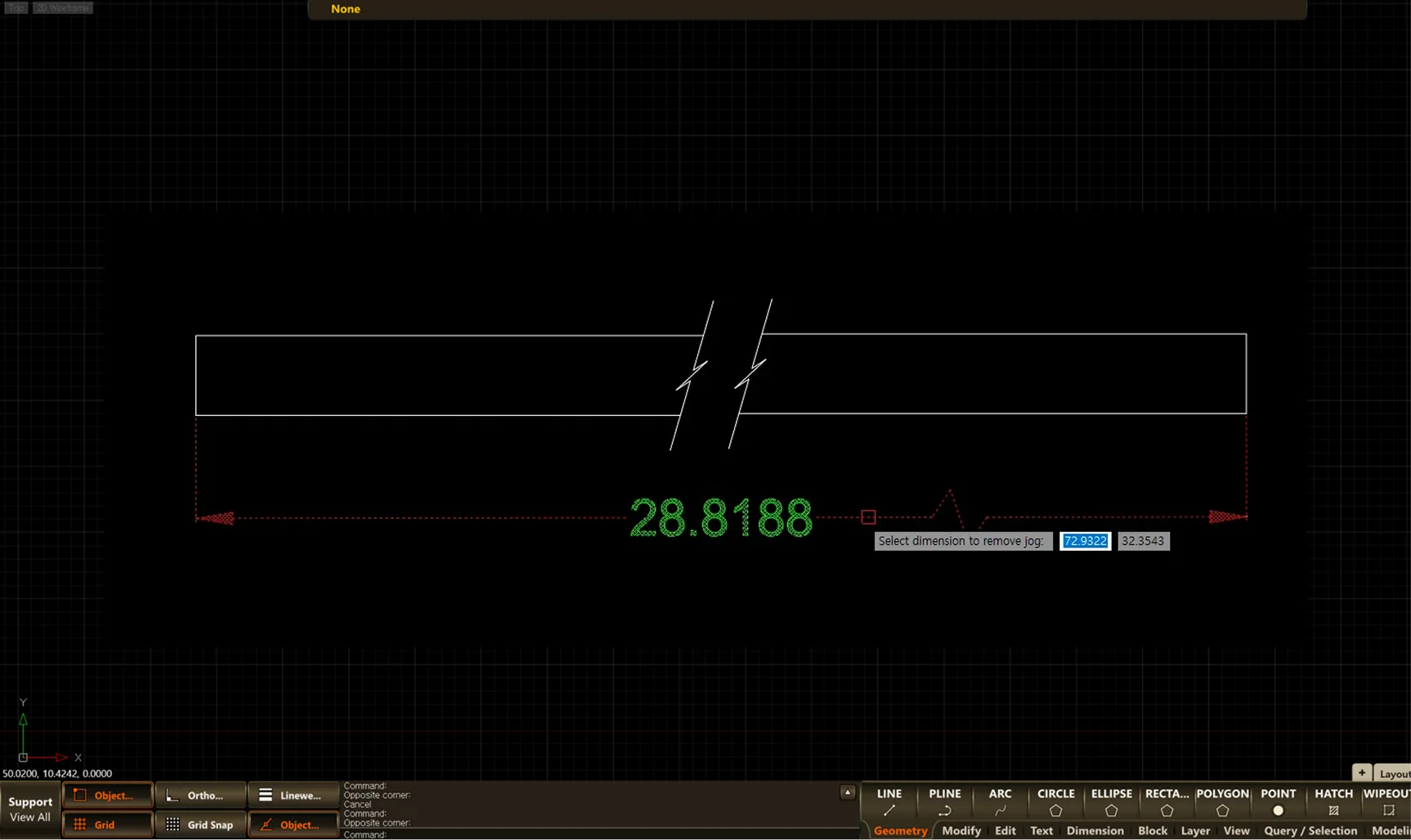
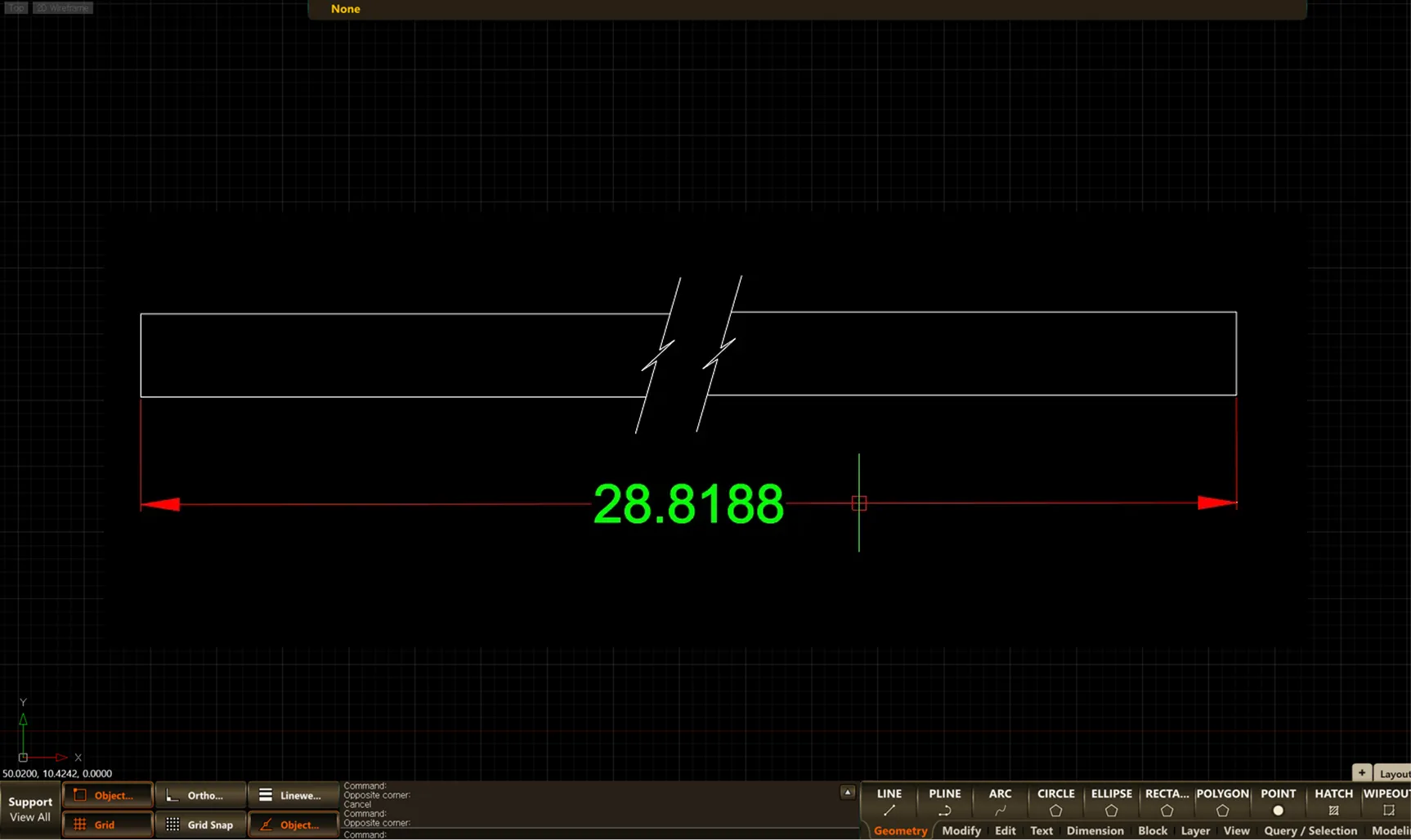
DIMJOGLINE
- Adds or removes a jog line on a linear dimension (DIMLINEAR) or an aligned dimension (DIMALIGNED).
1. Adding a Jog Line to a Linear Dimension Demo Video
Section titled “1. Adding a Jog Line to a Linear Dimension Demo Video”1) Run the “DIMJOGLINE” command and select Add.

2) Select the dimension to add the jog line to, then press ENTER.
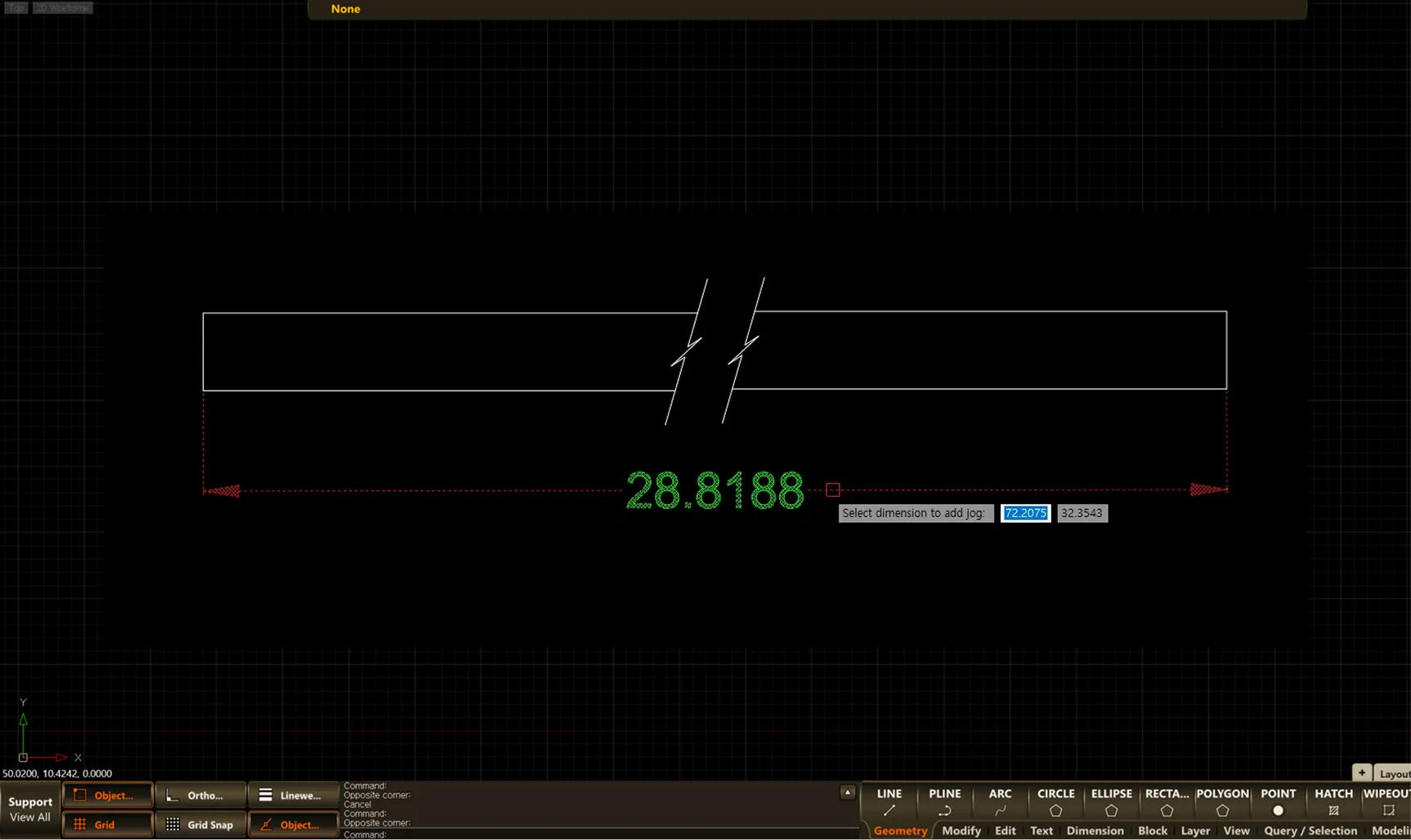
3) Click at the location where you want to add the jog line.
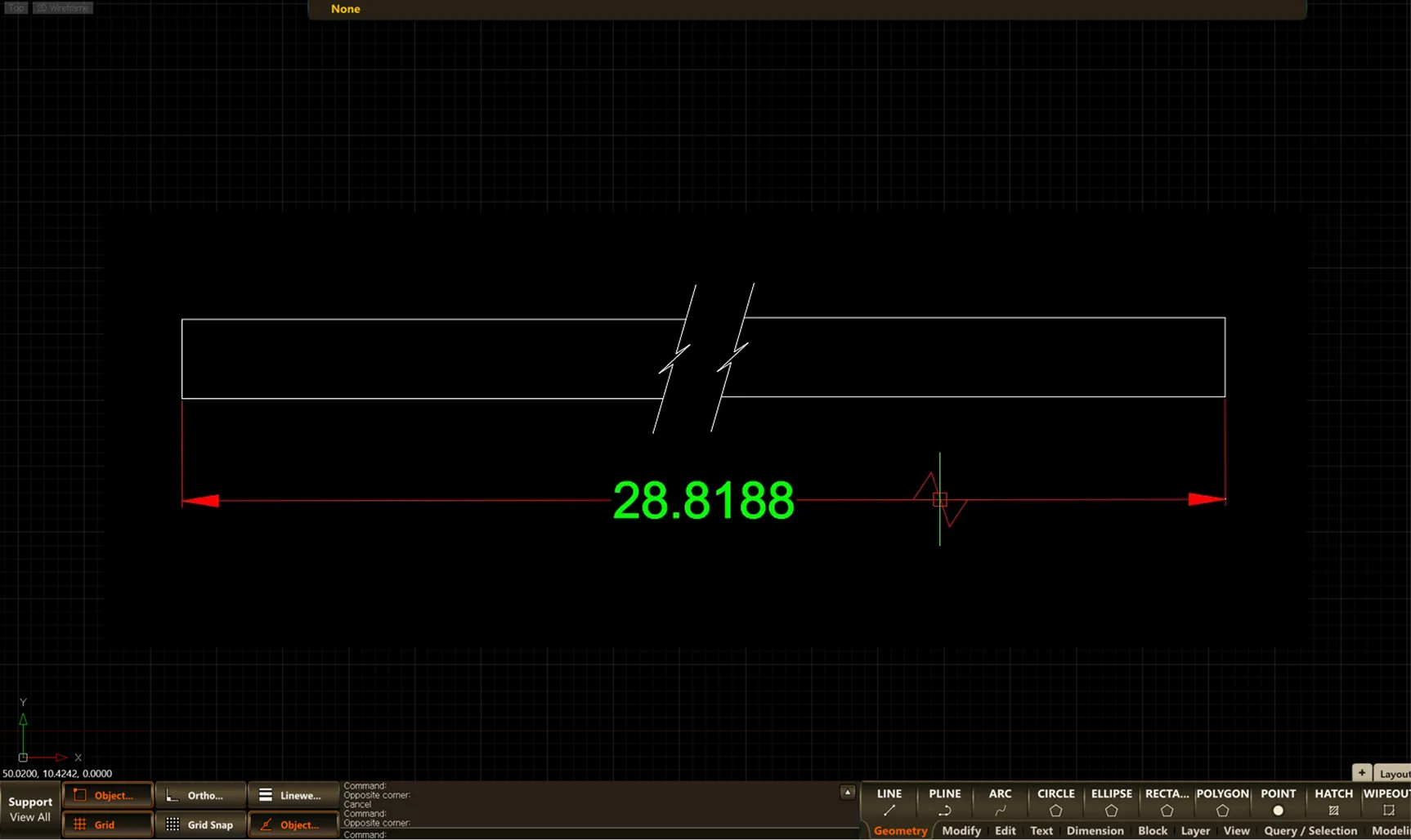
2. Removing a Jog Line from a Linear Dimension Demo Video
Section titled “2. Removing a Jog Line from a Linear Dimension Demo Video”1) Run the “DIMJOGLINE” command and select Remove.

2) Select the linear dimension whose jog line you want to remove.