
CONVERTTC
- Converts the content of the selected text object to uppercase, lowercase, capitalize first letter, etc.

1. Changing Case Demo Video
Section titled “1. Changing Case Demo Video”1) Run the “CONVERTTC” command.
2) In the CONVERTTC dialog box, select the desired conversion method.
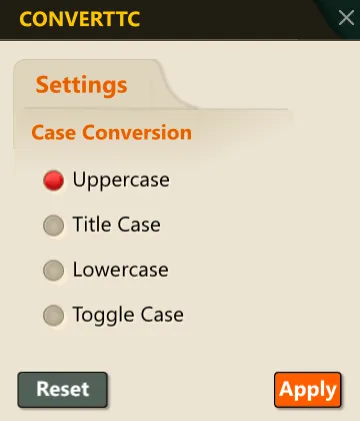
3) Select the text object to convert.
4) Press ENTER or the Space bar to convert the case of the selected text according to the specified method.
