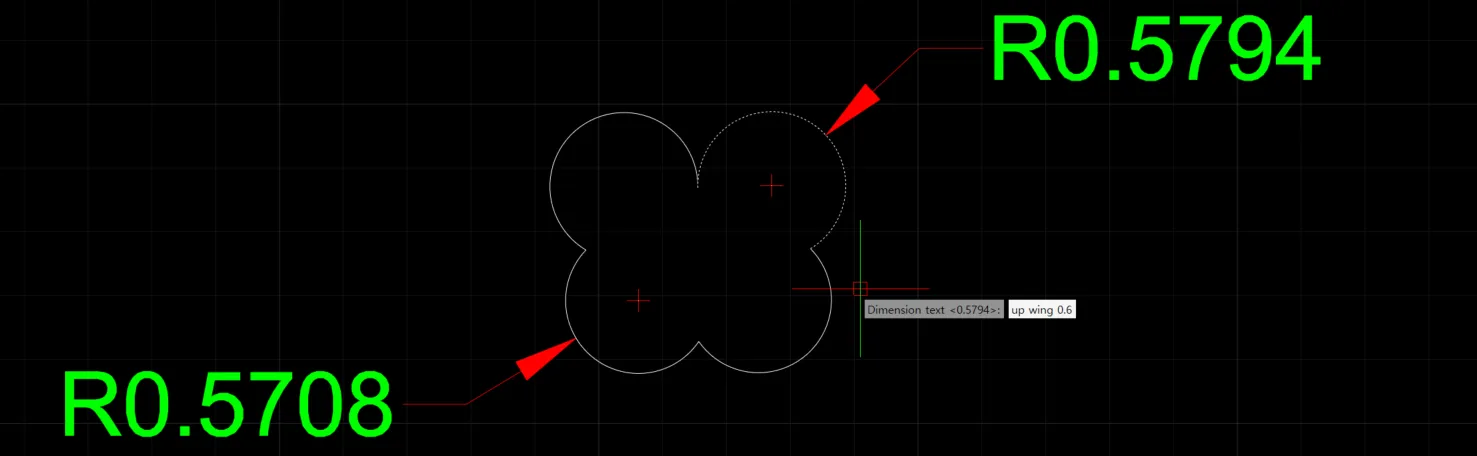
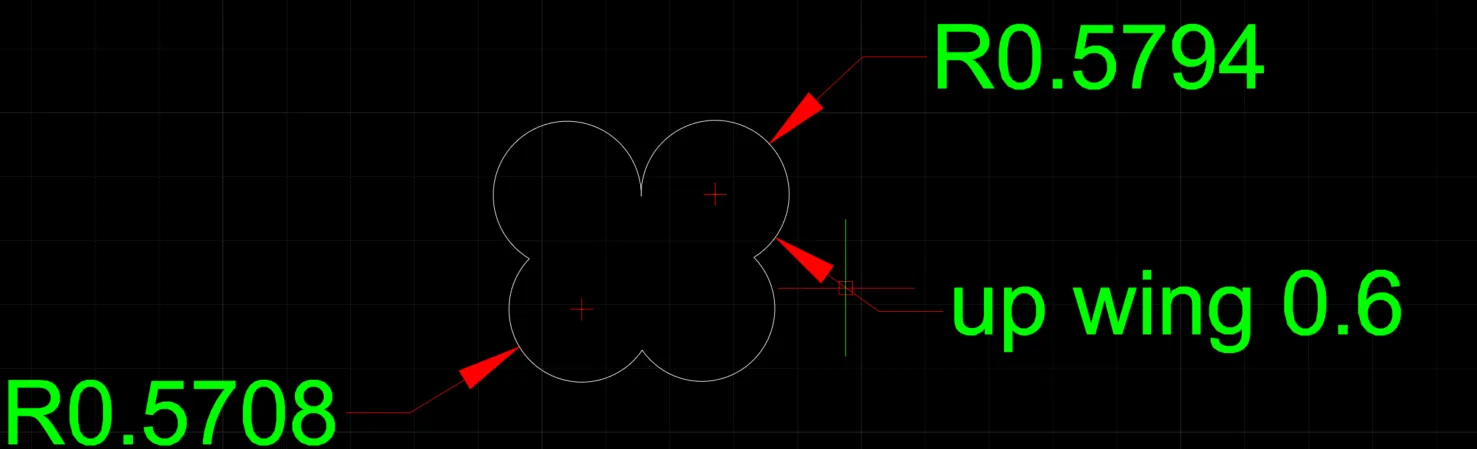
DIMRADIUS
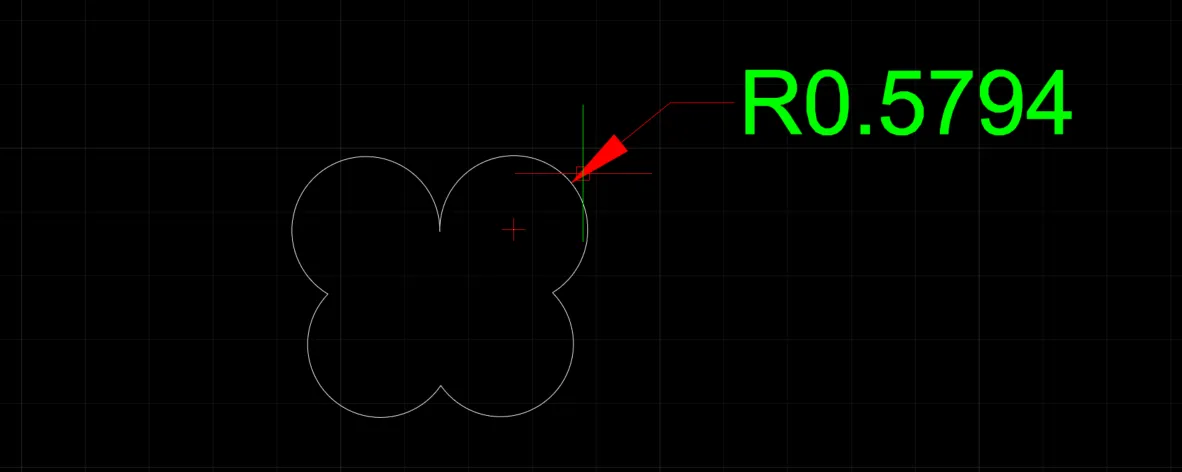
- Measures the radius of the selected circle or arc and displays it as dimension text.
1. Entering a Radius Dimension Demo Video
Section titled “1. Entering a Radius Dimension Demo Video”1) Run the “DIMRADIUS” command.

2) Select the circle or arc in the drawing whose diameter you want to measure.
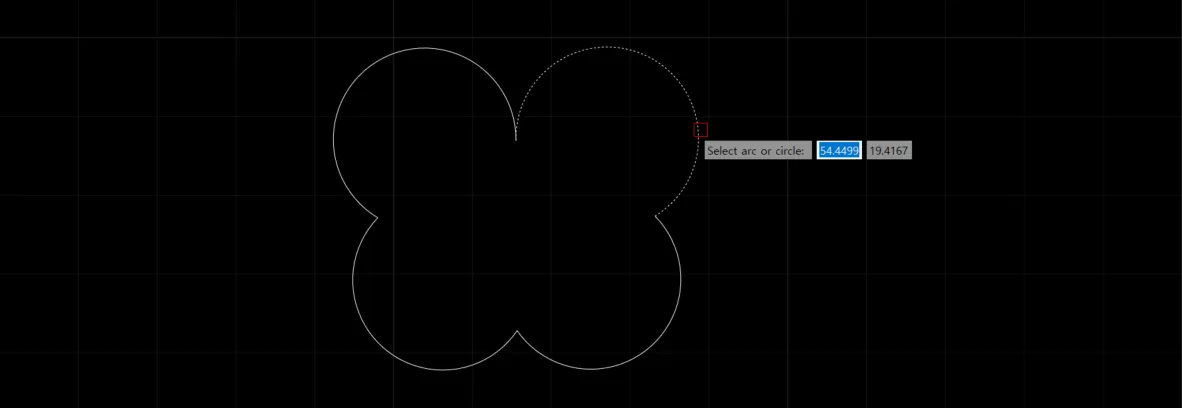
3) Insert the dimension text at the desired location.
2. Changing the Angle of the Diameter Dimension Text Demo Video
Section titled “2. Changing the Angle of the Diameter Dimension Text Demo Video”1) Run the “DIMRADIUS” command, then select the circle or arc in the drawing whose radius you want to measure.
2) Click the Angle option and enter an angle value; the dimension text is placed at the specified angle. (The default value is 0 degrees.)

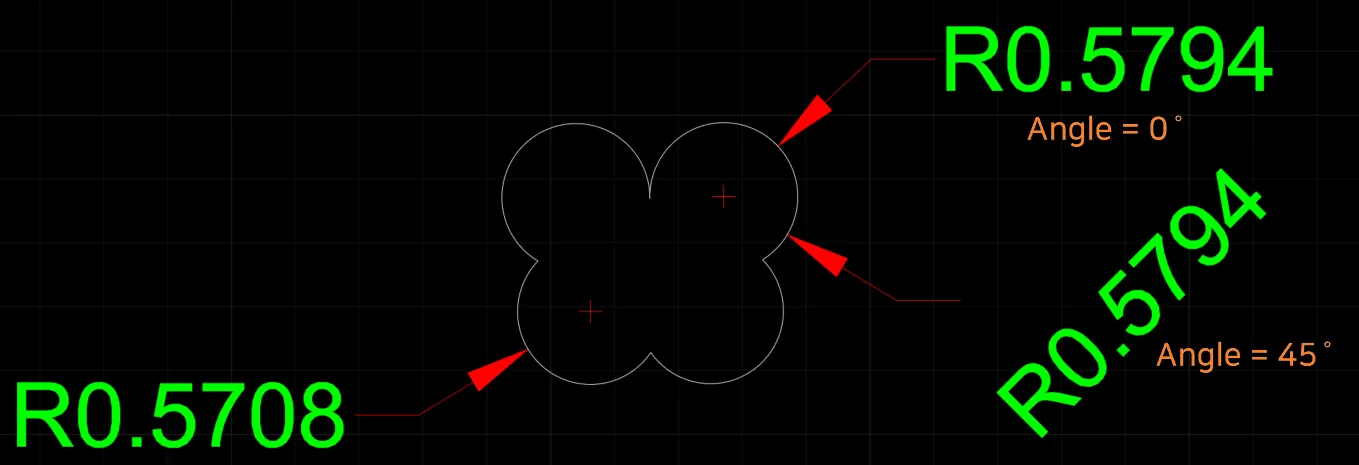
3. Entering the Diameter Dimension Text as Multiline Text Demo Video
Section titled “3. Entering the Diameter Dimension Text as Multiline Text Demo Video”1) Run the “DIMRADIUS” command, then select the circle or arc in the drawing whose radius you want to measure.
2) Click the Mtext option; the Text Editor toolbar appears and the dimension text enters edit mode, allowing you to enter multiple lines of text.

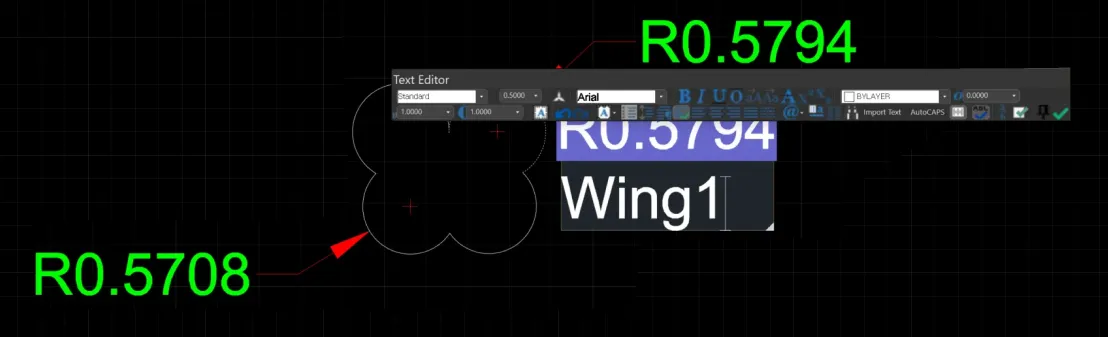
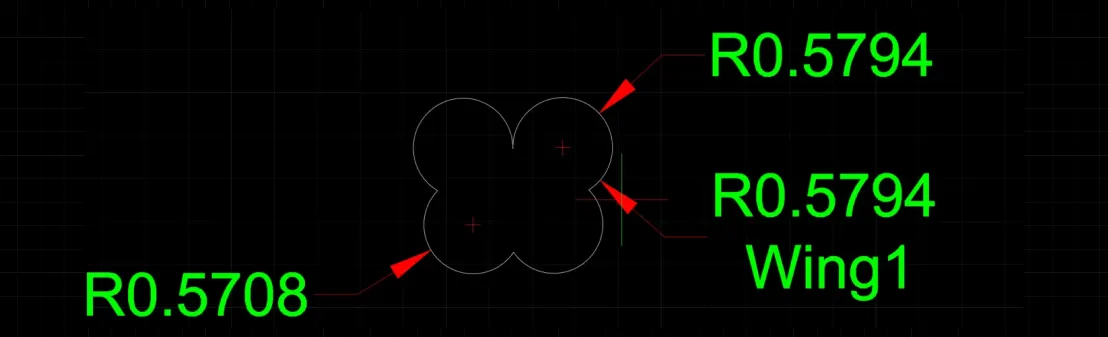
4. Changing the Diameter Dimension Text Demo Video
Section titled “4. Changing the Diameter Dimension Text Demo Video”1) Run the “DIMRADIUS” command, then select the circle or arc in the drawing whose radius you want to measure.
2) Click the Text option and enter the replacement text.