LAYMGR
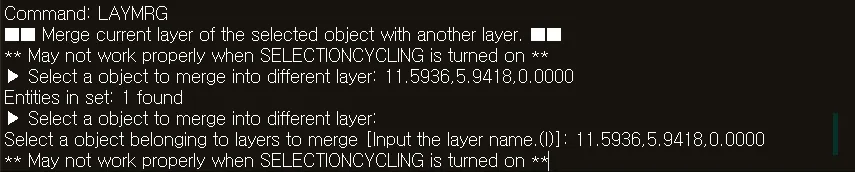
- Merges a selected layer into another layer in the drawing. All objects on the merged-from layer are moved to the target layer, and the merged-from layer is deleted.

1. Merge Layers Demo Video
Section titled “1. Merge Layers Demo Video”1) Type the “LAYMGR” command in the Command Input Window.
2) Select an object on the layer to merge from.
3) Press ENTER, then select an object on the target layer.
4) All objects on the source layer are moved to the target layer.
5) The merged source layer is deleted.