CHLTYPE
- Changes the line shape over the selected length.
1. Changing the Line Style Scale Value Demo Video
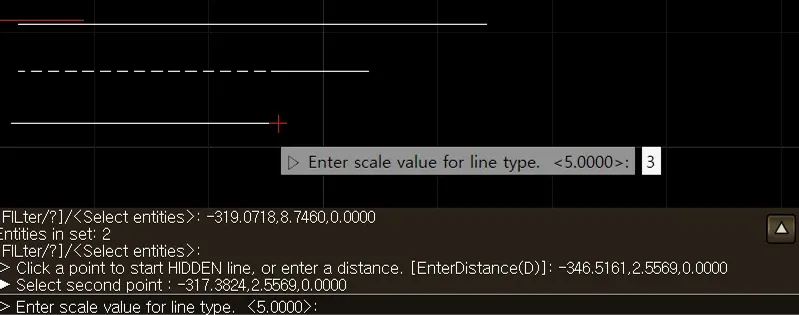
Section titled “1. Changing the Line Style Scale Value Demo Video”1) Type CHLTYPE in the Command Input Window, then select a straight line (LINE) object.

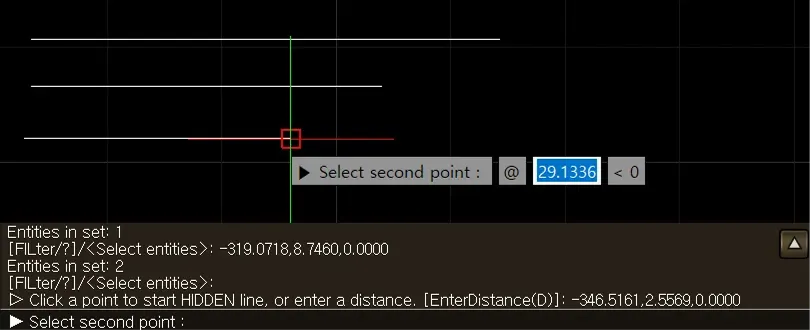
2) Click the point where the HIDDEN line will start, or enter a distance.
3) Click the point where the HIDDEN line will end (the second point), or enter a distance.
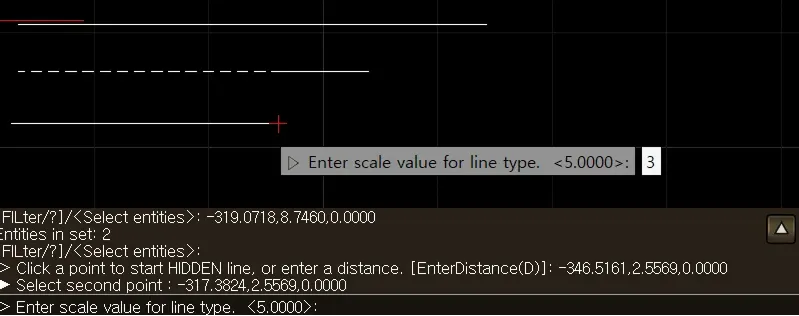
4) Enter the Scale value for the line style.