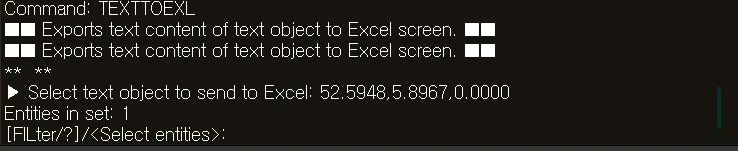
TEXTTOEXL
- Extracts text objects from the drawing and exports them to an Excel file.

1. Exporting Text to Excel Demo Video
Section titled “1. Exporting Text to Excel Demo Video”1) Run the “TEXTTOEXL” command.
2) In the TEXTTOEXL dialog box, set the desired options.
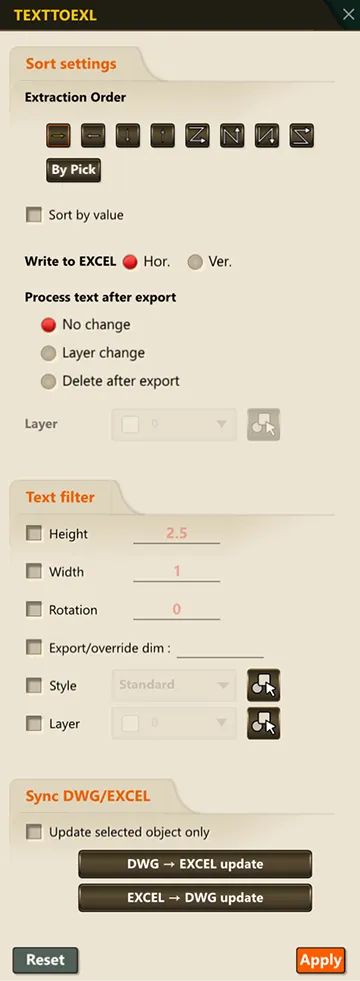
3) Select the text objects to export to Excel.
4) Press ENTER or the SPACE BAR to complete the selection.
5) Excel launches automatically; select the starting cell.
6) Click OK to save the selected text content to the Excel sheet.