BEDIT
- Opens the Block Editor to edit block definitions in the drawing.
- Running BEDIT lets you select a specific block and modify its internal objects; when you save the edited block, all references to it in the drawing are updated simultaneously.

1. Editing a Block Demo Video
Section titled “1. Editing a Block Demo Video”1) Type “BEDIT” in the Command Input Window.
2) The BEDIT dialog box appears, showing the list of blocks that exist in the drawing.
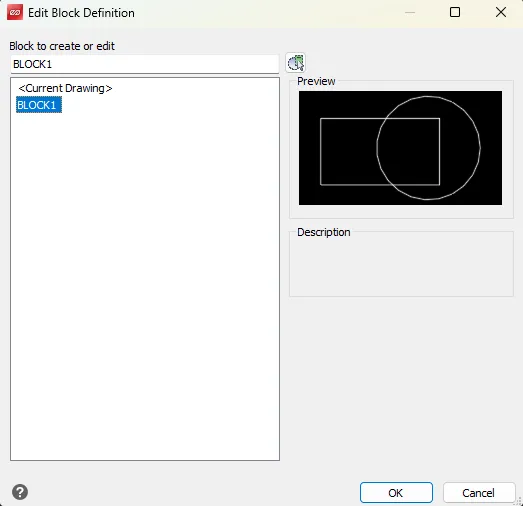
3) Select the block to edit.
4) Click the OK button to switch to the Block Editor.
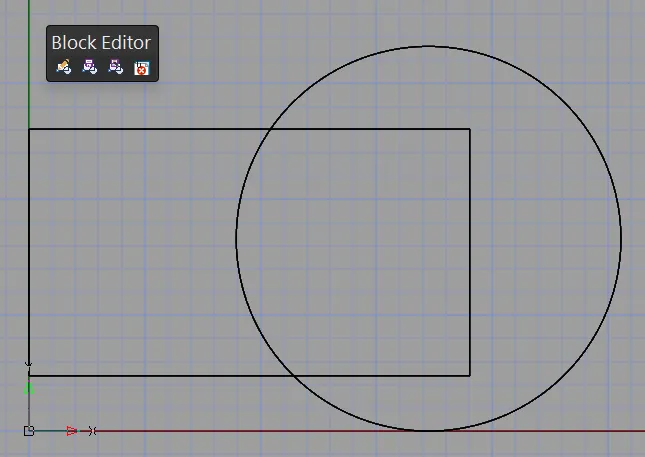
5) When you finish editing, run the “BCLOSE” command; saving your changes updates the block in the drawing.
