FINDBLOCK
- A function that displays or selects the location of a block inserted in the drawing on screen.

1. Finding a Block Demo Video
Section titled “1. Finding a Block Demo Video”1) Type “FINDBLOCK” in the Command Input Window.
2) The Find Block dialog box appears.
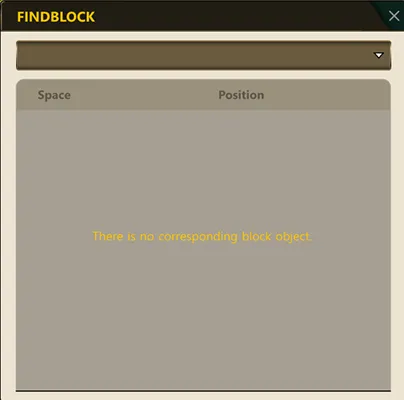
3) Enter the name of the block to search for, or select it from the list.
4) The location of the block in the drawing is displayed, and it is selected or zoomed to.