COPY
- Creates a copy of the selected object by specifying a base point and a destination point.

1. Copying an Object Demo Video
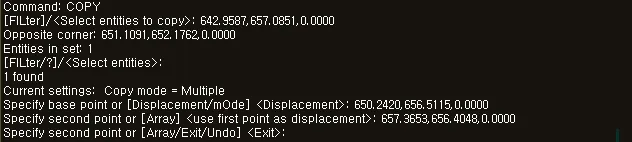
Section titled “1. Copying an Object Demo Video”1) Run the “COPY” or “CO” command.
2) Select the object(s) to copy (line, polyline, circle, block, dimension line, etc.).
3) Press ENTER to complete the selection.
4) Specify the first point (base point) to use as the reference.
5) Specify the second point (destination point) for the copy.
Note: If needed, continue specifying additional destination points to create multiple copies in succession.
6) Press ENTER or the Space bar to end the command.