STYLE
- Creates, modifies, and manages text styles for use in the drawing.

1. Setting a Text Style Demo Video
Section titled “1. Setting a Text Style Demo Video”1) Run the “STYLE” command in the Command Input Window.
2) In the Text Style dialog box, set the desired options.
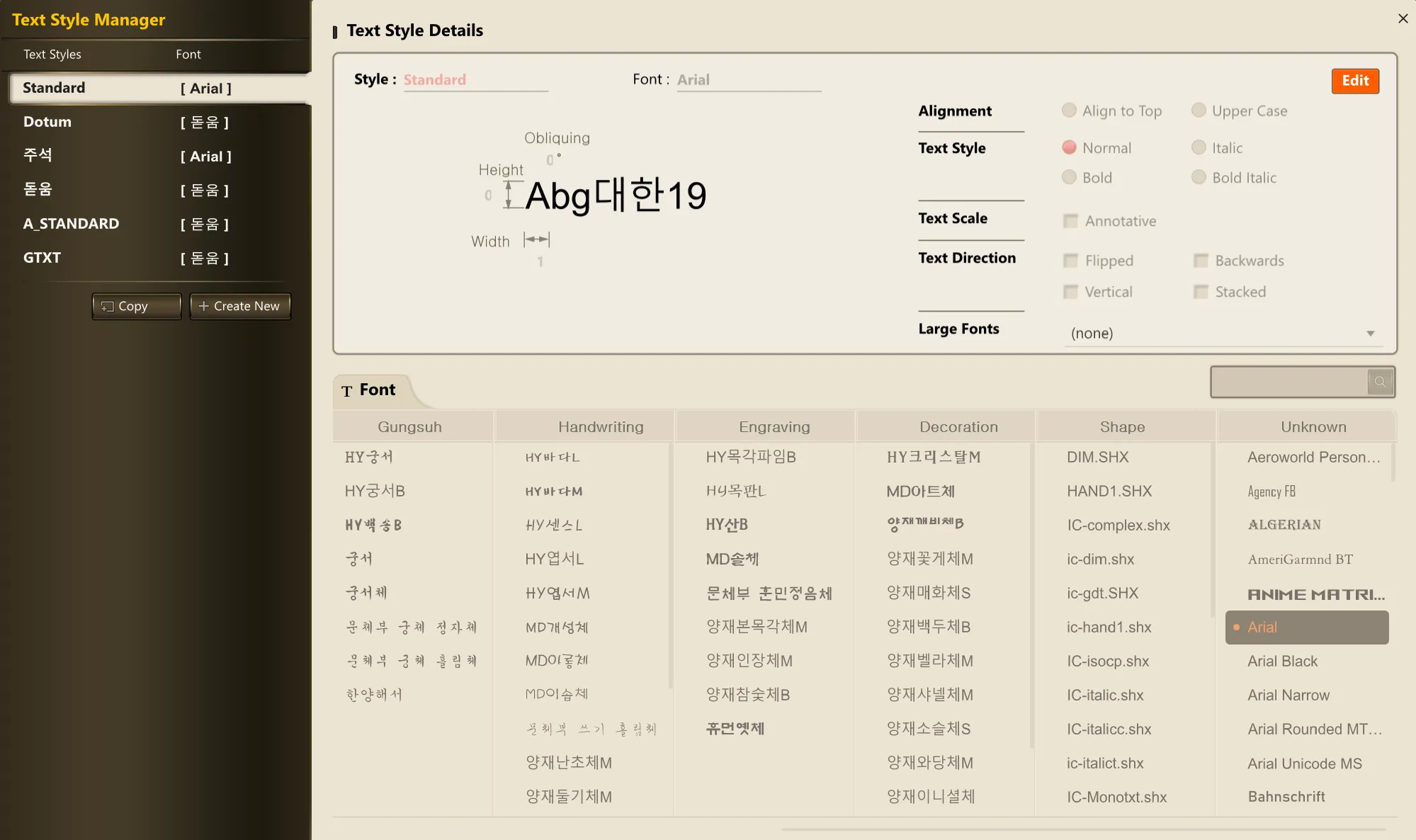
3) Click the Apply button to activate it.
4) Text created afterward will follow the specified style.
