JOIN
- A command that connects separated lines, or merges multiple contiguous lines into one.

1. Connect Lines Demo Video
Section titled “1. Connect Lines Demo Video”1) Type the “JOIN” command in the Command Input Window.
2) Select two or more lines to connect, then press ENTER.
- Connecting is only possible between LINE + LINE objects.
- Connecting is only possible when the lines lie on the same axis (X-axis or Y-axis).
3) Multiple lines are connected into a single line.


2. Combine Lines Demo Video
Section titled “2. Combine Lines Demo Video”1) Type the “JOIN” command in the Command Input Window.
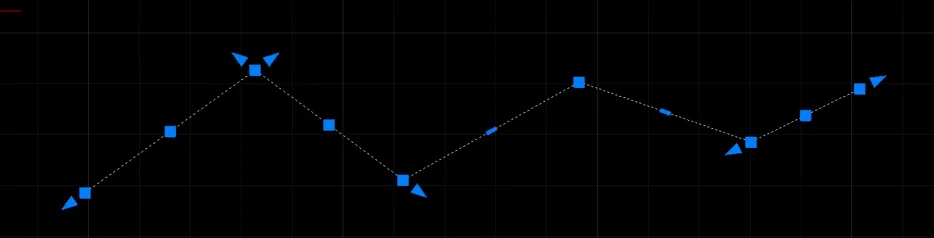
2) Select two or more lines to combine, then press ENTER.
- Combining works regardless of the type of line.
- Combining is only possible when the ends of each line are touching.
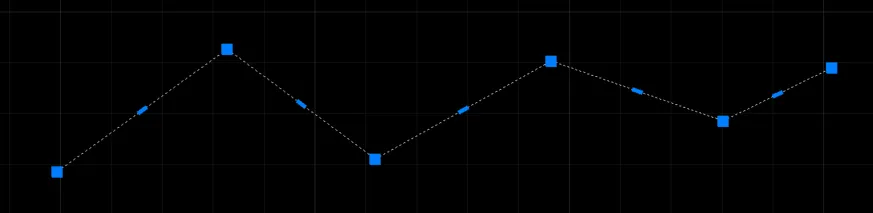
3) Multiple lines are combined into a single line (polyline).