PLOT
- Prints the current drawing or outputs it to a file such as PDF.

1) Type “RESCALEWITHDIM” in the Command Input Window.
2) The Plot dialog box appears.
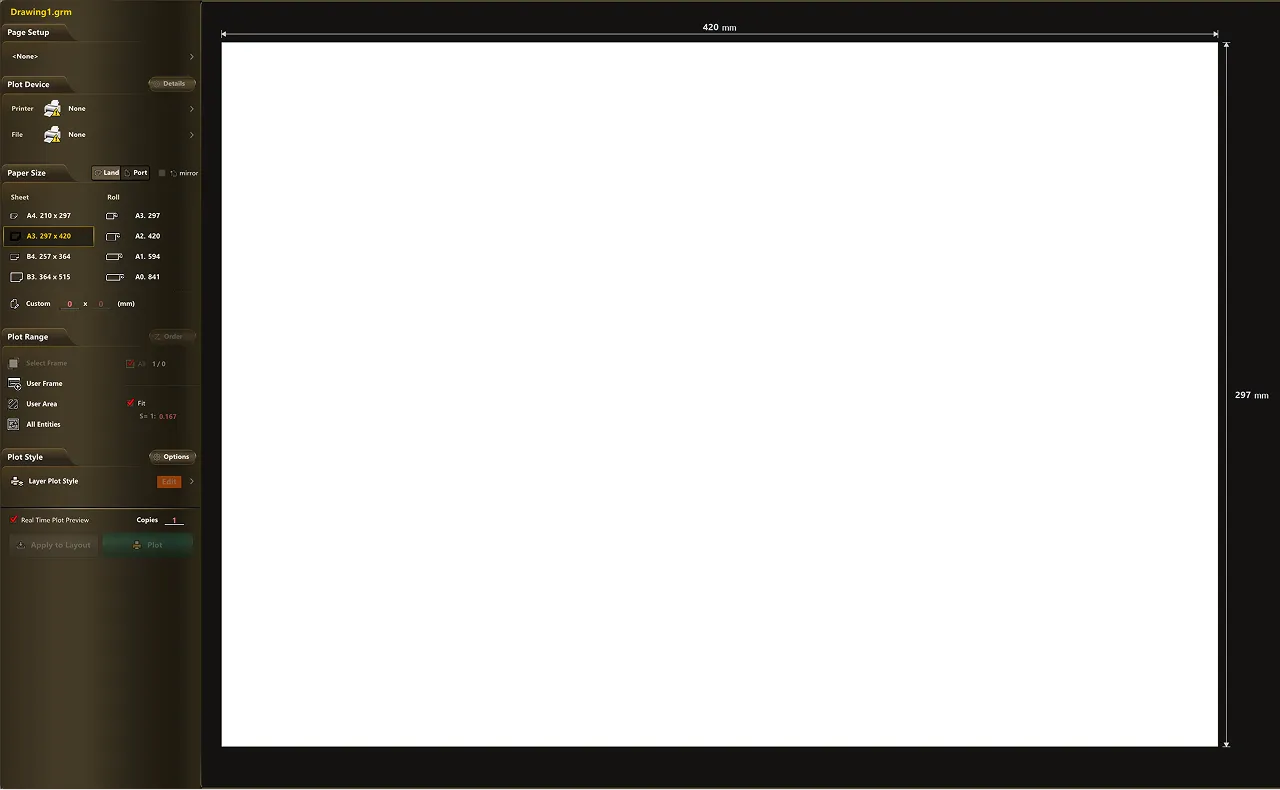
3) Configure the required items.
- Printer/Plotter : Selects the output device (e.g., DWG To PDF, HP DesignJet, etc.)
- Paper Size : Selects the paper size (e.g., A4, A3, A1, etc.)
- Plot Area: Specify the area to print.
- Plot Style : Specifies the line width and color style
4) Click Preview to check the print result.
5) Once the settings are complete, click the Print button to print.