Simultaneous 2D and 3D work supported by a wide-screen 3D viewport
How to use
- Method 1
- Command Input Window > Command : VPS3D
- Method 2
-
Command View All
> View >
 3D Viewer > Create 3D Layout
Viewport
3D Viewer > Create 3D Layout
Viewport
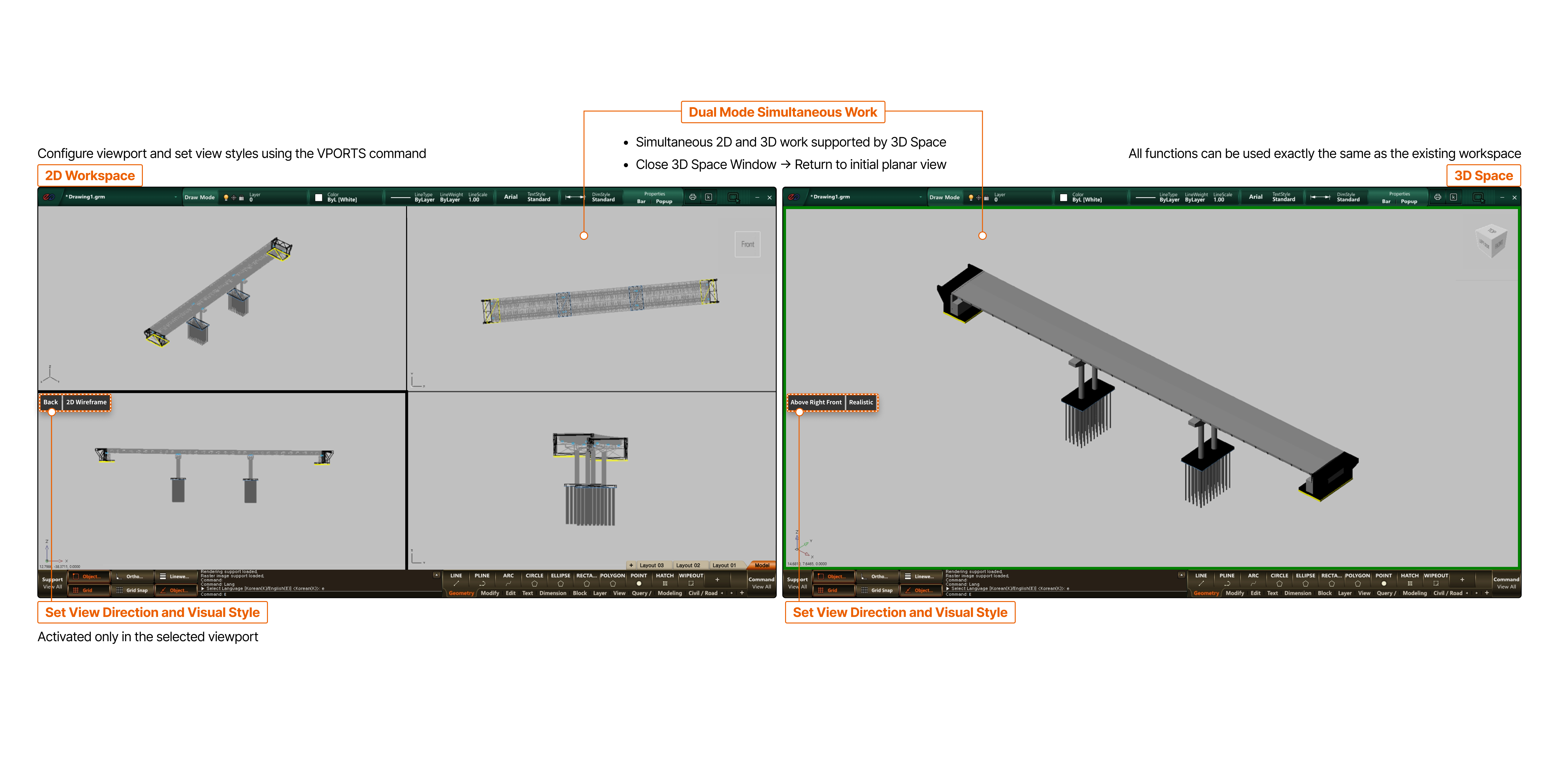
- 2D Workspace
- Configure viewport and set view styles using the VPORTS command
- Dual Mode Simultaneous Work
- Simultaneous 2D and 3D work supported by 3D Space
- Close 3D Space Window → Return to initial planar view
- 3D SPACE
- All functions can be used exactly the same as the existing workspace
- Set View Direction and Visual Style
- Activated only in the selected viewport
- Set View Direction and Visual Style