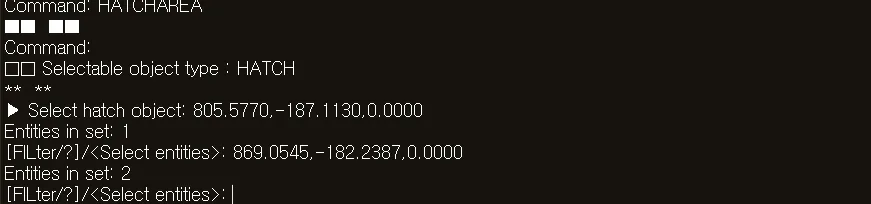
HATCHAREA
- A command that calculates the area of a selected hatch object in the drawing, or displays it in the Command Input Window.

1. Checking the Hatch Area Demo Video
Section titled “1. Checking the Hatch Area Demo Video”1) Type “HATCHAREA” in the Command Input Window.
2) The following dialog box appears.
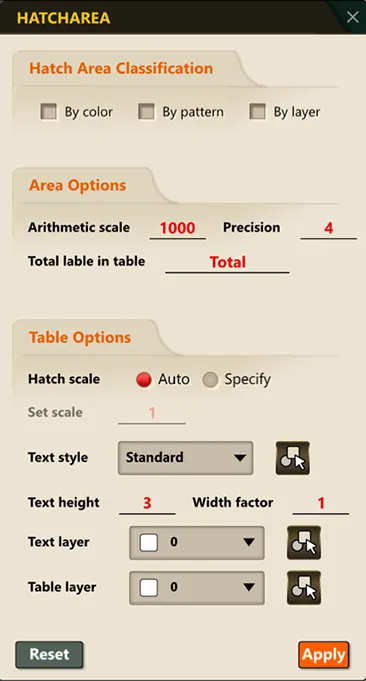
3) Configure the required options.
4) Click the OK button to create an area table in the drawing.