SUPERHATCH
- A command that lets you fill a hatch using a block, attribute block, or external reference block specified by the user.
- Select a block from the block list in the command’s popup window and insert it as a hatch.
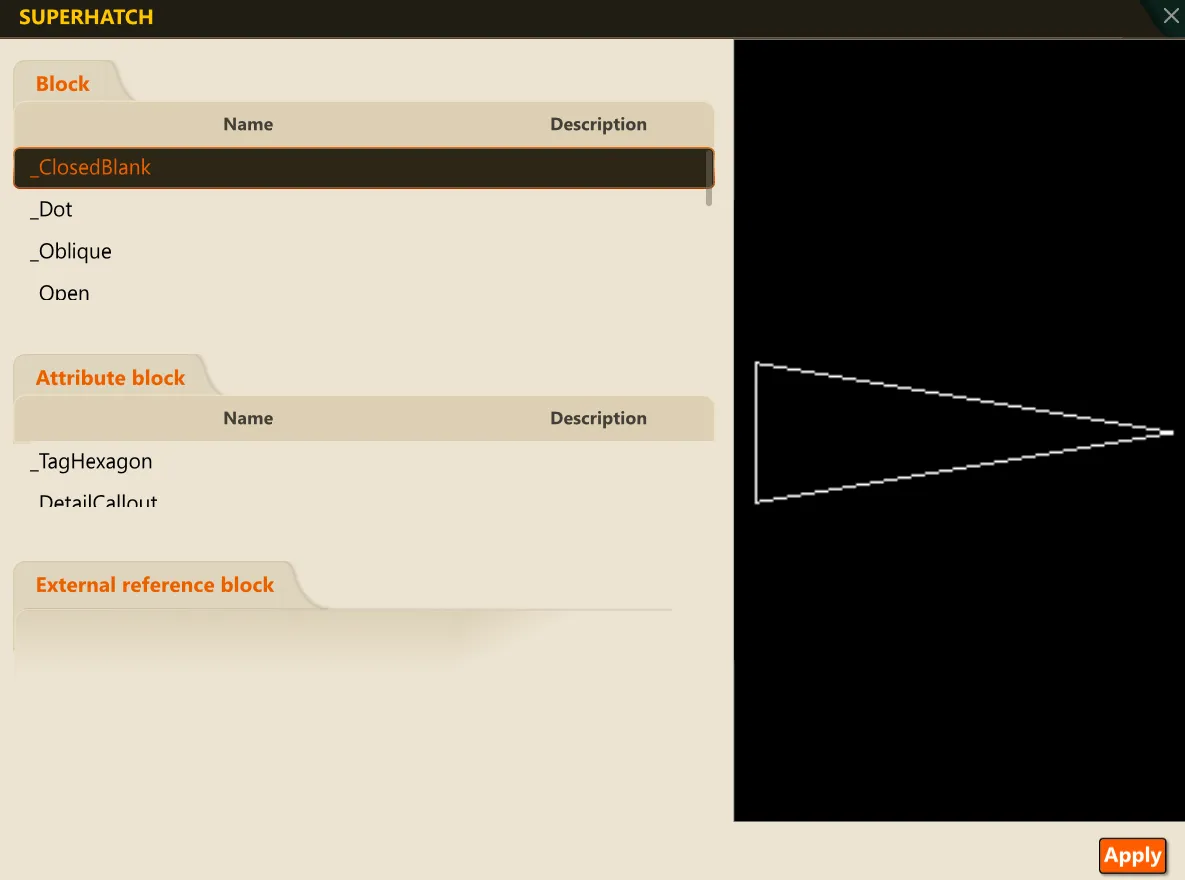
- Block: The block list of the current drawing.
- Attribute block: The attribute block list of the current drawing.
- External reference block: The external reference block list of the current drawing.
- Selecting a block from the list displays it in the black preview pane on the right.
1. Inserting a Block as a Hatch Demo Video
Section titled “1. Inserting a Block as a Hatch Demo Video”1) Run the “SUPERHATCH” command.
2) Select the block to insert as a hatch.
3) Click the OK button.
4) Specify the hatch insertion point on the screen with the mouse.
5) Enter the X scale factor, Y scale factor, and rotation angle.
6) Specify a point inside the boundary on the screen with the mouse.
7) Press ENTER to insert the selected block as a hatch inside the specified boundary and end the command.