CHARACTER
- Opens the Character Map window so you can insert special characters and symbols.
1. Entering Special Characters Demo Video
Section titled “1. Entering Special Characters Demo Video”1) Run the “CHARACTER” command.
2) The Character Map dialog box appears.
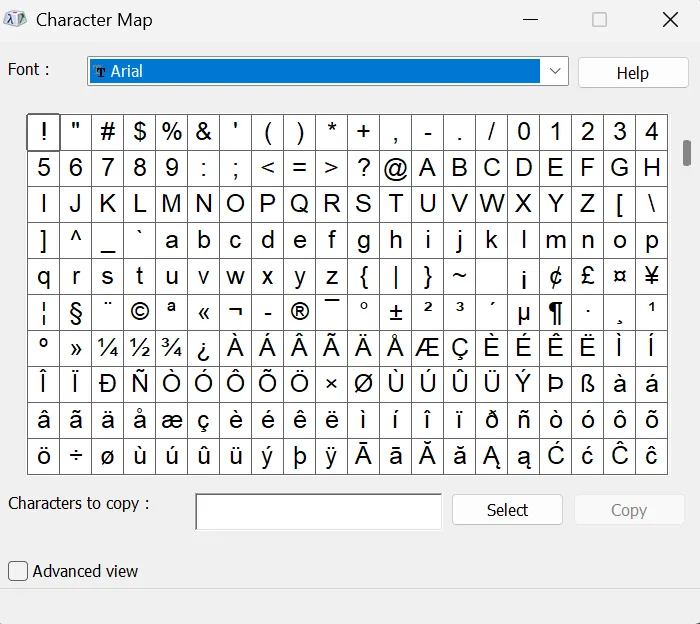
3) Select the special character or symbol to enter.
4) Click the Select (S) or Copy (C) button.
5) Paste with Ctrl+V in the MTEXT editor or when entering text in the drawing to insert the character.