TANGENTLINECIRCLE
- Automatically creates a common tangent line for a circle or between two circles.

1. Creating a Tangent Line Between Two Circles Demo Video
Section titled “1. Creating a Tangent Line Between Two Circles Demo Video”1) Type “TANGENTLINECIRCLE” in the Command Input Window.
2) In the dialog box, set the required items.
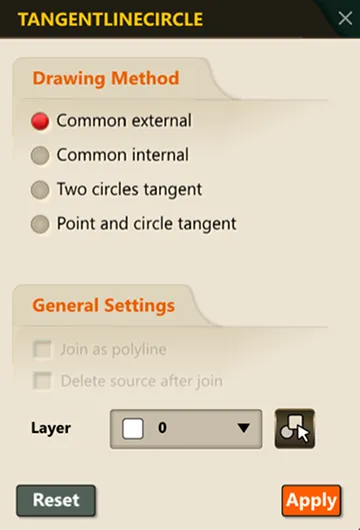
3) Following the Command Input Window prompts, select the first circle, then the second circle.
4) Based on the selected type, the tangent line is automatically calculated and created in the drawing.