REOFFSET
- A command that offsets the selected object at equal intervals.
- Selectable objects are linear objects such as lines, polylines, arcs, ellipses, and splines.

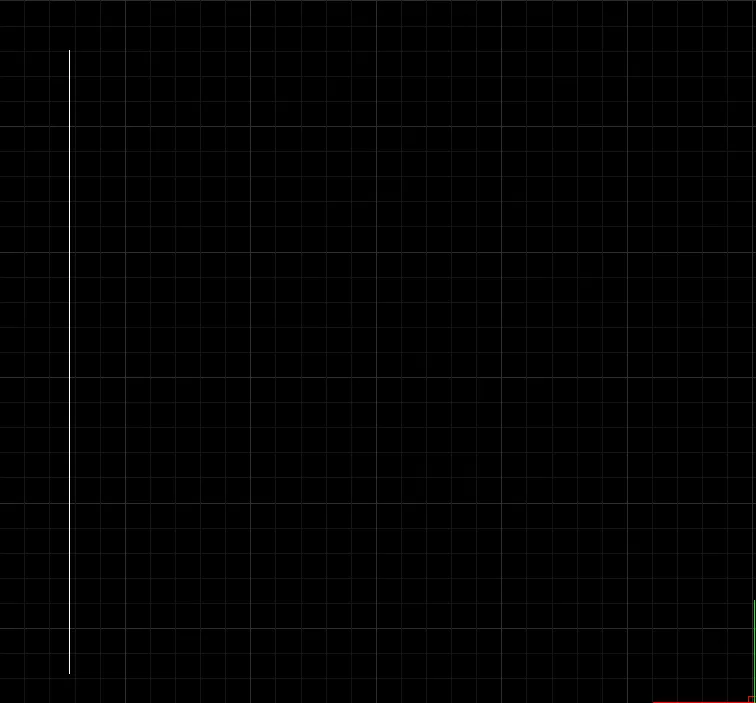
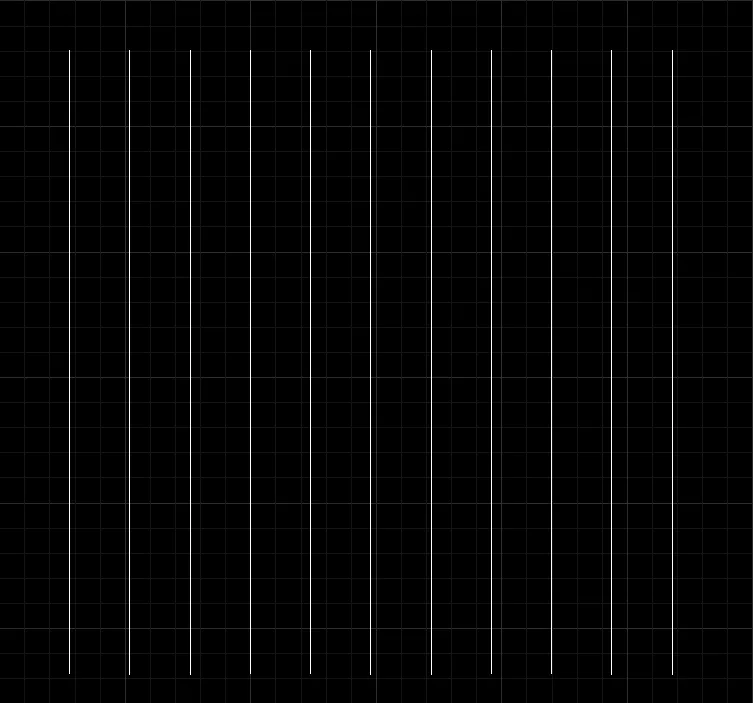
- Before Offsetting - - After Offsetting -
1. Offsetting Multiple Times at Equal Intervals - Entering the Offset Count Demo Video
Section titled “1. Offsetting Multiple Times at Equal Intervals - Entering the Offset Count Demo Video”1) Run the “REOFFSET” command.
2) Select the object to offset incrementally.
3) Specify a point in the offset direction with the mouse.
4) Enter the distance. (The value cannot be 0 or less.)
5) Enter the number of offsets.
2. Offsetting Multiple Times at Equal Intervals - Specifying the Start Point with Two Points Demo Video
Section titled “2. Offsetting Multiple Times at Equal Intervals - Specifying the Start Point with Two Points Demo Video”1) Run the “REOFFSET” command.
2) Select the object to offset incrementally.
3) Specify a point in the offset direction with the mouse.
4) Enter the distance. (The value cannot be 0 or less.)
5) Specify the start point using two points with the mouse.