QLIST
- Quickly looks up the length and area of the selected object.

1. Looking Up Object Information Demo Video
Section titled “1. Looking Up Object Information Demo Video”1) Type “QLIST” in the Command Input Window.
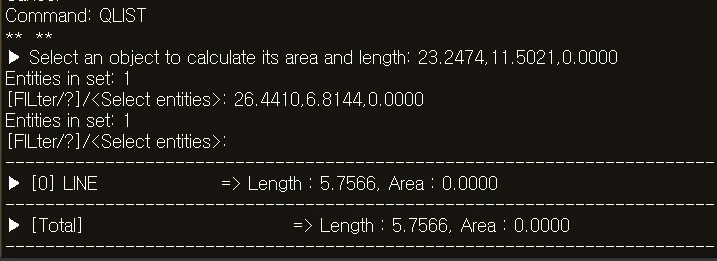
2) Select the object whose length or area you want to check.
3) Press the ENTER key.
4) The length and area of the selected object are displayed in the Command Input Window.