BLIBRARY
- Opens the Block Library dialog box, letting you preview, select, and insert blocks from various categories into the drawing.

1. Opening the Block Library Demo Video
Section titled “1. Opening the Block Library Demo Video”1) Type “BLIBRARY” in the Command Input Window.
2) The Block Library dialog box appears.
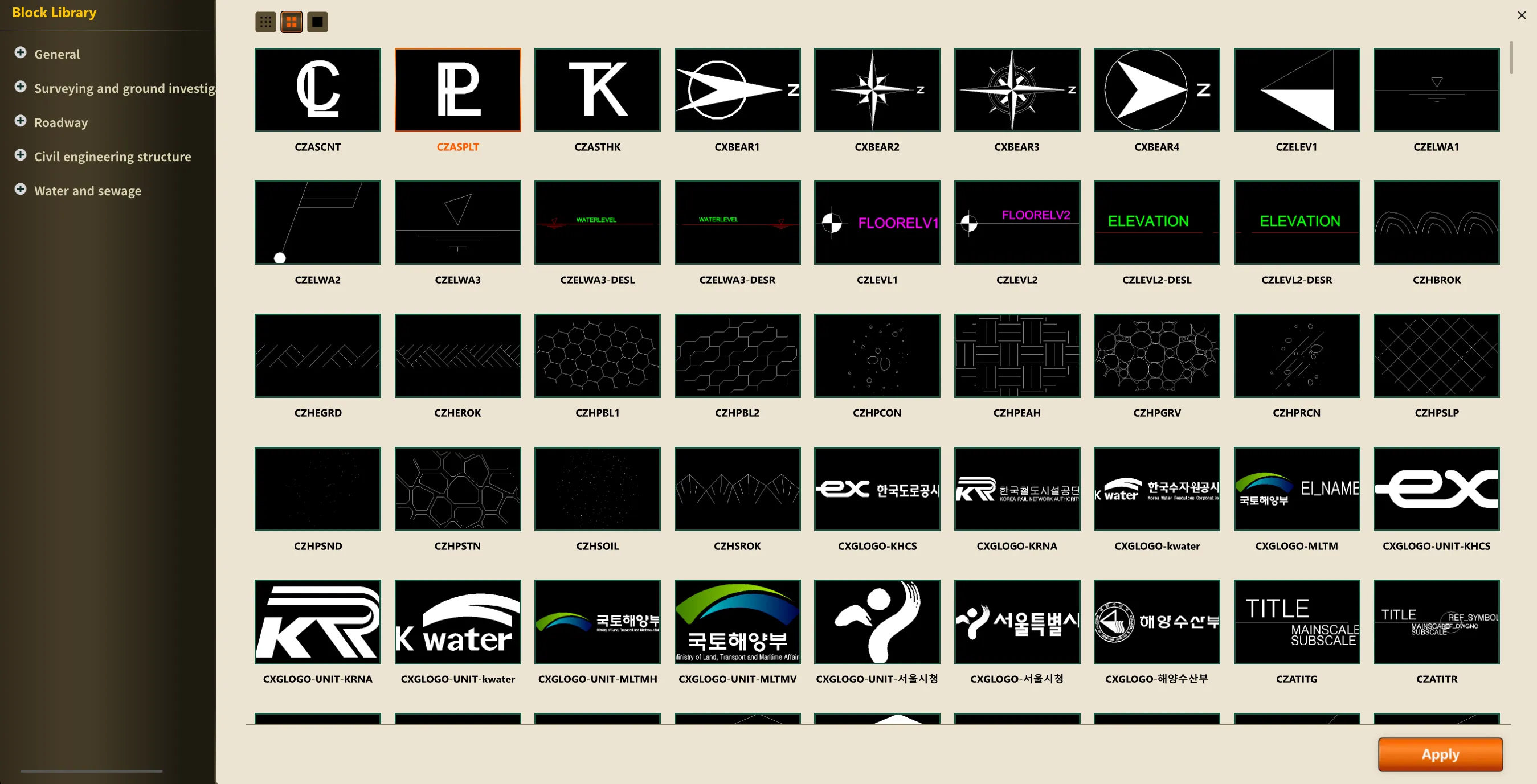
3) Select a category from the list on the left.
Example: General Design, Surveying and Geotechnical Investigation, Roads, Civil Structures, Water and Sewage, etc.
4) Select the block you need from the block previews shown in the center.
5) Click the “Apply” button in the lower right to add the selected block.