MOVE
- Moves the selected object from a base point you specify to a destination point.

1. Moving an Object Demo Video
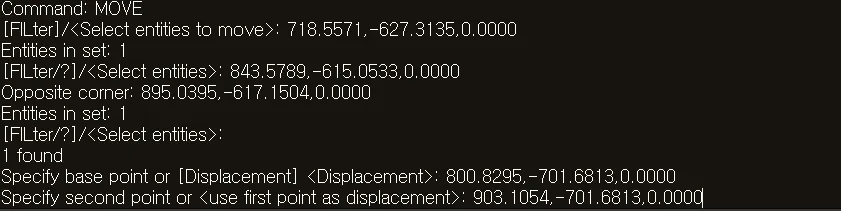
Section titled “1. Moving an Object Demo Video”1) Run the “MOVE” or “M” command.
2) Select the objects to move (lines, polylines, circles, blocks, dimension lines, etc.).
3) Press ENTER to complete the selection.
4) Specify the first point (base point) to use as the reference for the move.
5) Specify the second point (destination point) to move to.
6) Press the ENTER key or the Space bar.
7) The selected object moves by the specified vector.