TANGENTCIRCLE
- A command that automatically creates a circle tangent to an object.

1. Creating a Tangent Circle Demo Video
Section titled “1. Creating a Tangent Circle Demo Video”1) Type “TANGENTCIRCLE” in the Command Input Window.
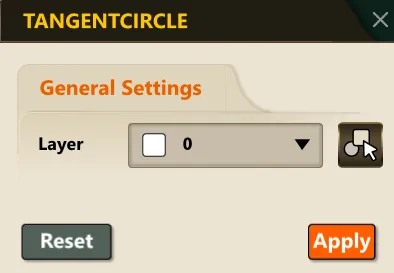
2) In the dialog box, set the required items.
3) Select the object (circle or arc) to draw the tangent circle on.
4) Click the starting point.
5) Select the tangent circle direction.
6) Based on the selected conditions, the tangent circle is automatically created in the drawing.