TEXTINPOL
- Automatically places text inside the selected polygon (closed polyline, shape).

1. Placing Text Demo Video
Section titled “1. Placing Text Demo Video”1) Run the “TEXTINPOL” command.
2) In the TEXTINPOL dialog box, select the desired options.
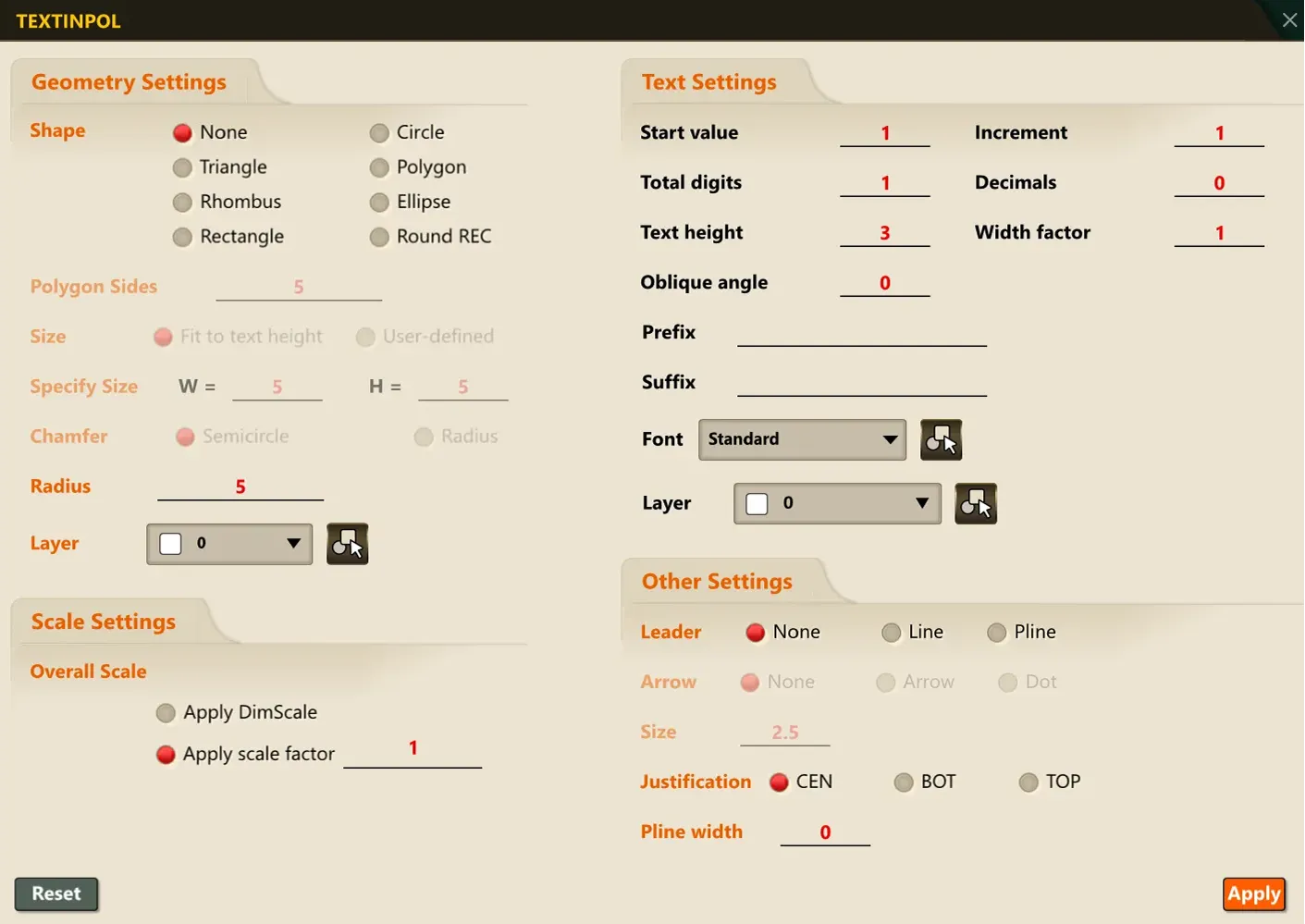
3) Select the point in the drawing where the text will be placed.
4) When placement is finished, press the ESC key to end the command.
